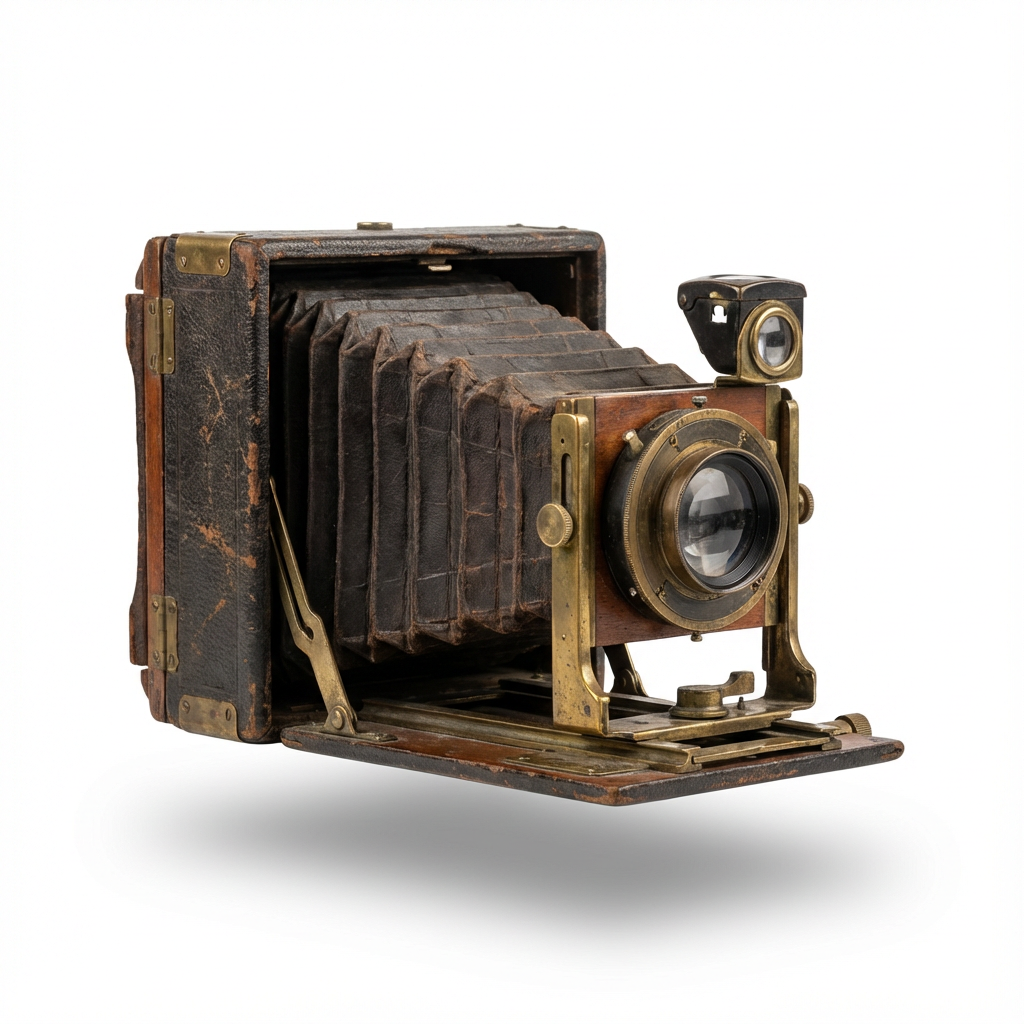
Use the equipment you have
A flatbed scanner or a phone can capture a print. Use even light, avoid glare, and keep the camera parallel to the photo.
From print to digital album
Scanning saves a digital copy. Restoration can make it easier to enjoy. Digitize old photos with your scanner or phone, then use PhotoHeirloom to enhance and share the results.
See the photo examples
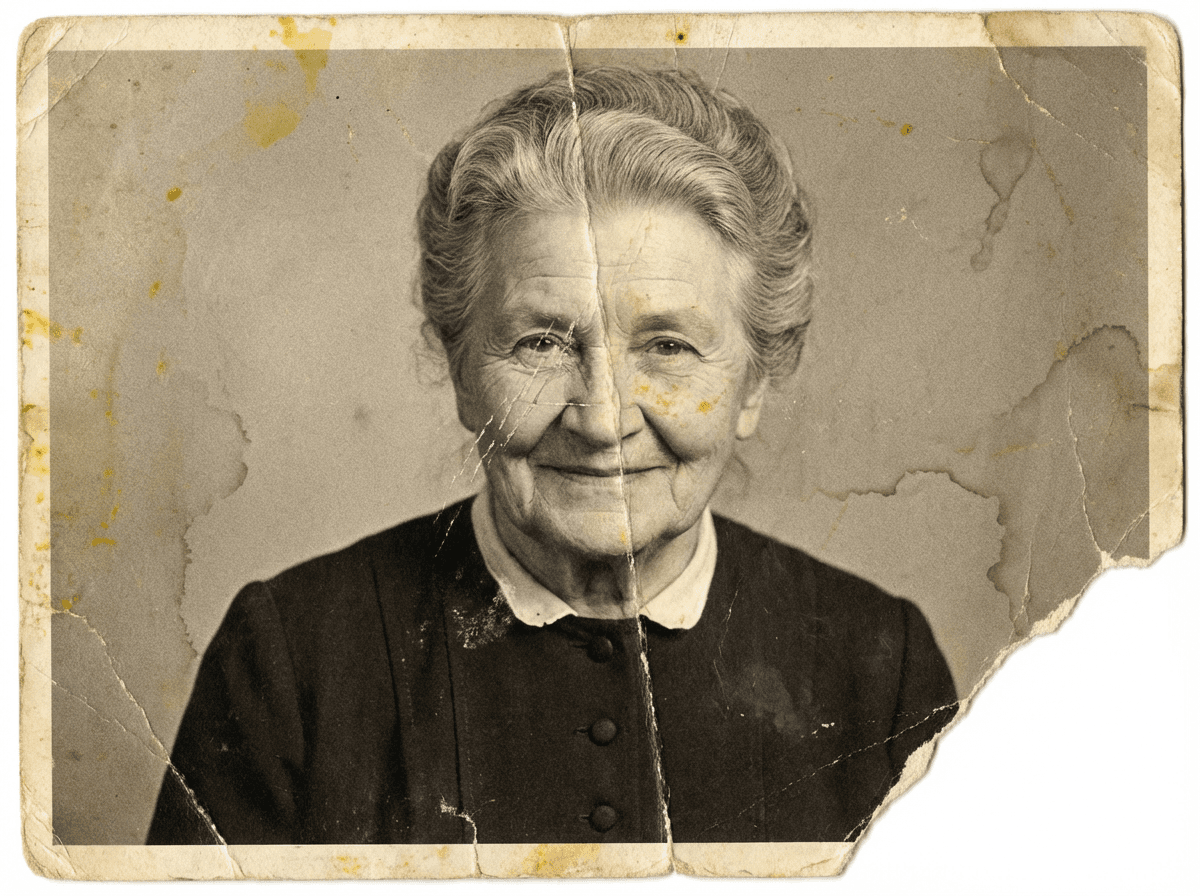
A flatbed scanner or a phone can capture a print. Use even light, avoid glare, and keep the camera parallel to the photo.
Capture the edges and save an untouched copy. Photograph any handwritten notes on the back separately.
A scan also records scratches and fading. AI restoration can improve the digital copy without changing the paper original.
Real examples from our home page. AI can change details and results vary. Keep your originals as a record of your family history.
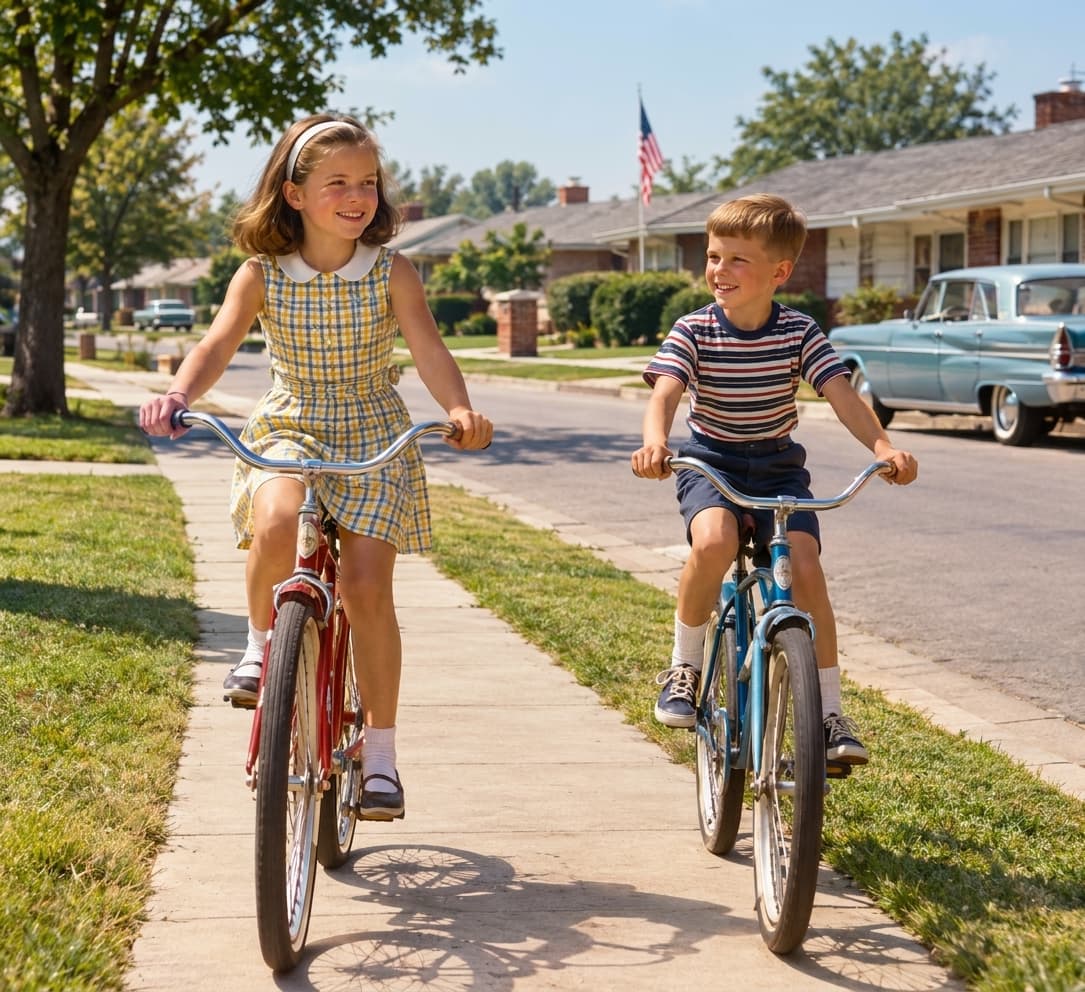

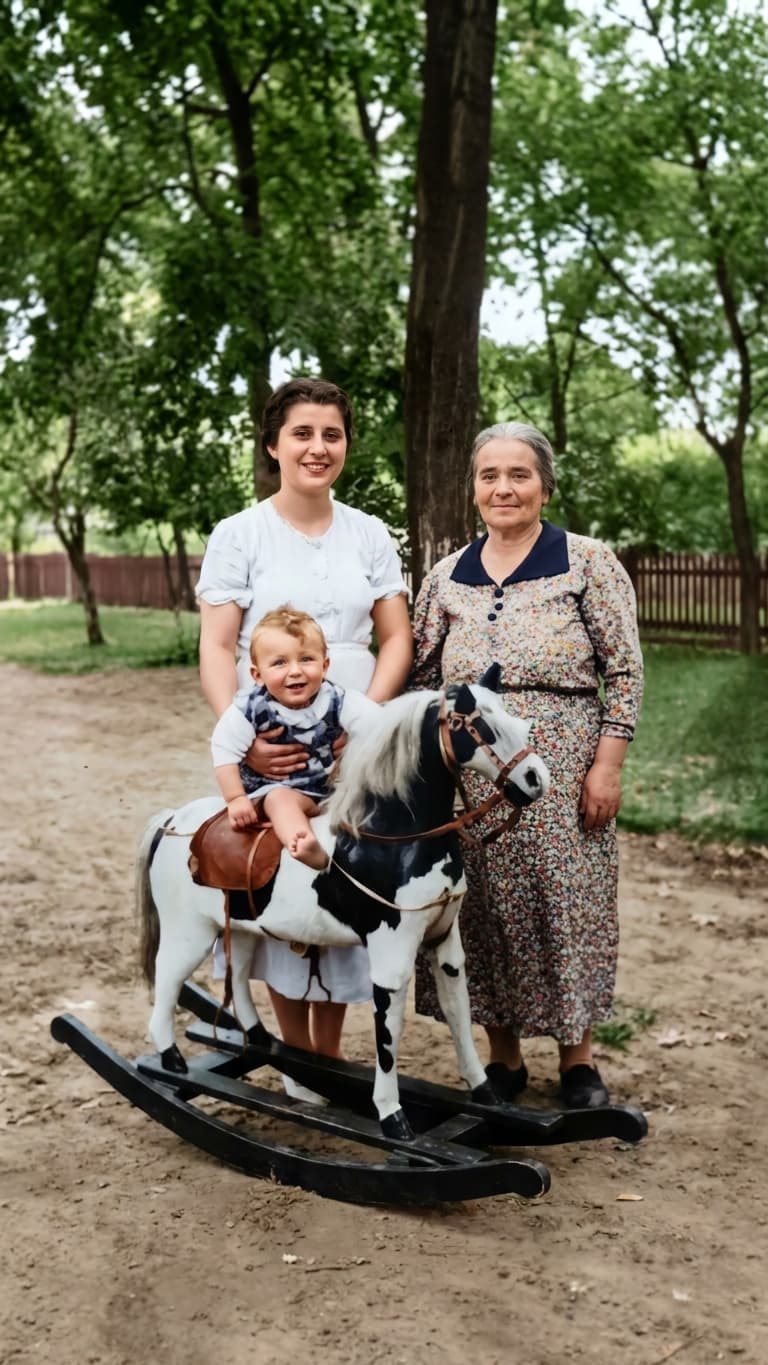
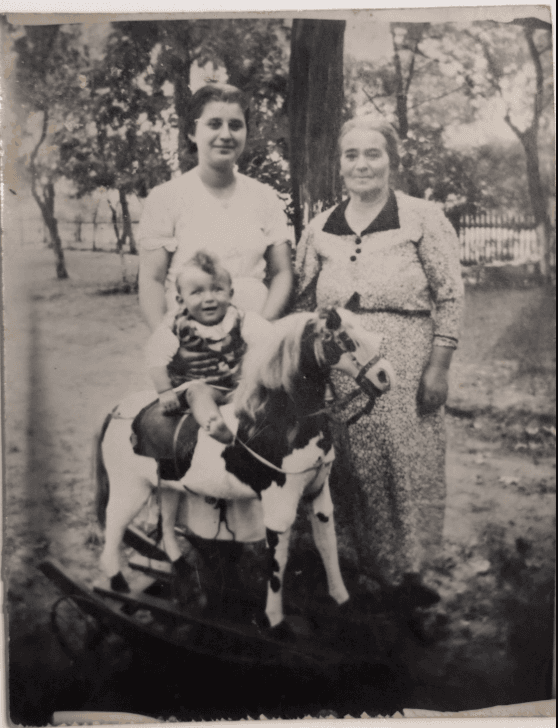
Gently remove loose dust. Scan at a useful resolution or take a sharp, well-lit phone photo without flash glare.
Upload your digital file, restore it, and review the before-and-after result for unwanted changes.
Create albums by person, event, or decade. Invite relatives to help identify people and preserve the story.
No. This is an online restoration and album service, not a mail-in scanning service. Scan or photograph your prints before uploading them.
Either can work. A scanner helps with even lighting and flat alignment. With a phone, avoid reflections, shadows, and angled shots.
No. Keep your original prints and a separate copy of the unedited scans. AI edits are interpretations, not replacements for source records.