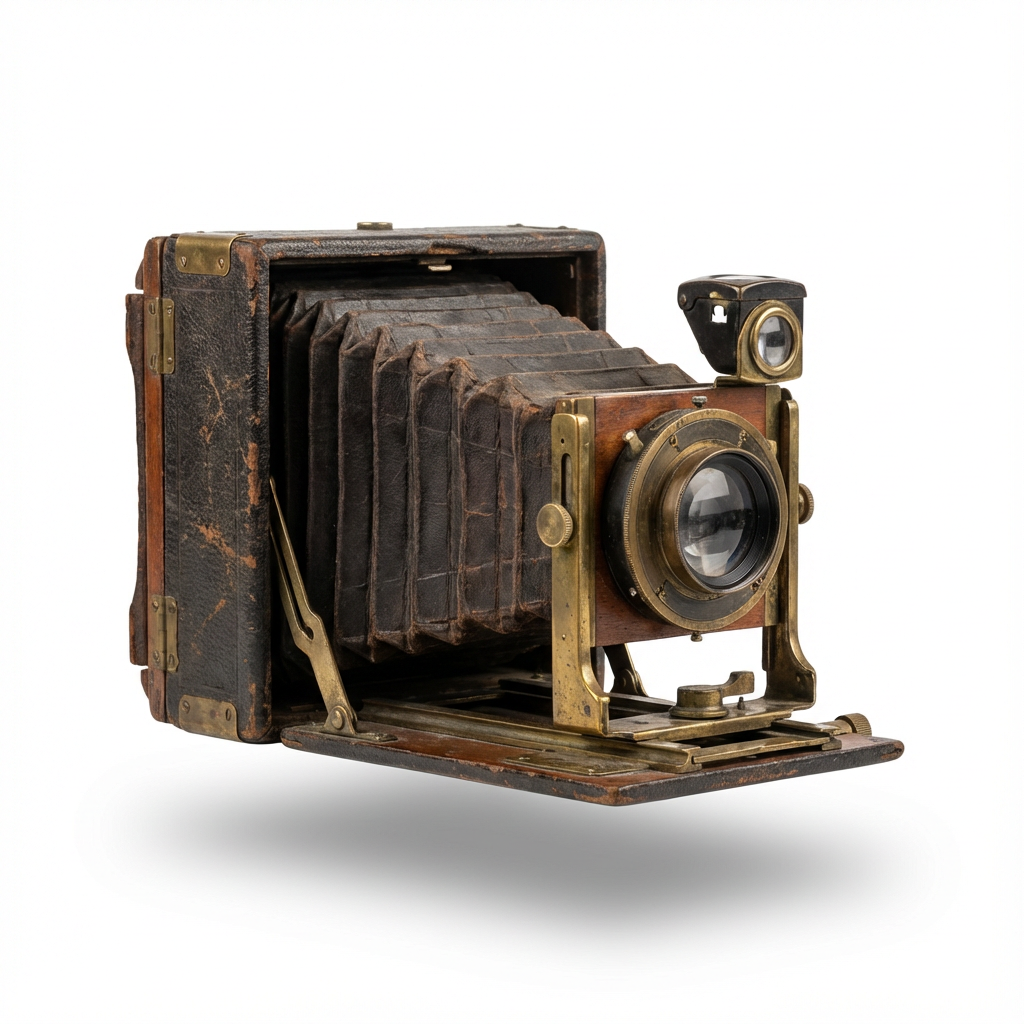
Restore old family photos
Improve faded or damaged digital copies while keeping your original scans as the historical record.
For your family’s memory keeper
Turn boxes of old photographs into an organized family collection. Restore faded pictures, create albums online, and give relatives a place to share the stories behind them.
See the photo examples
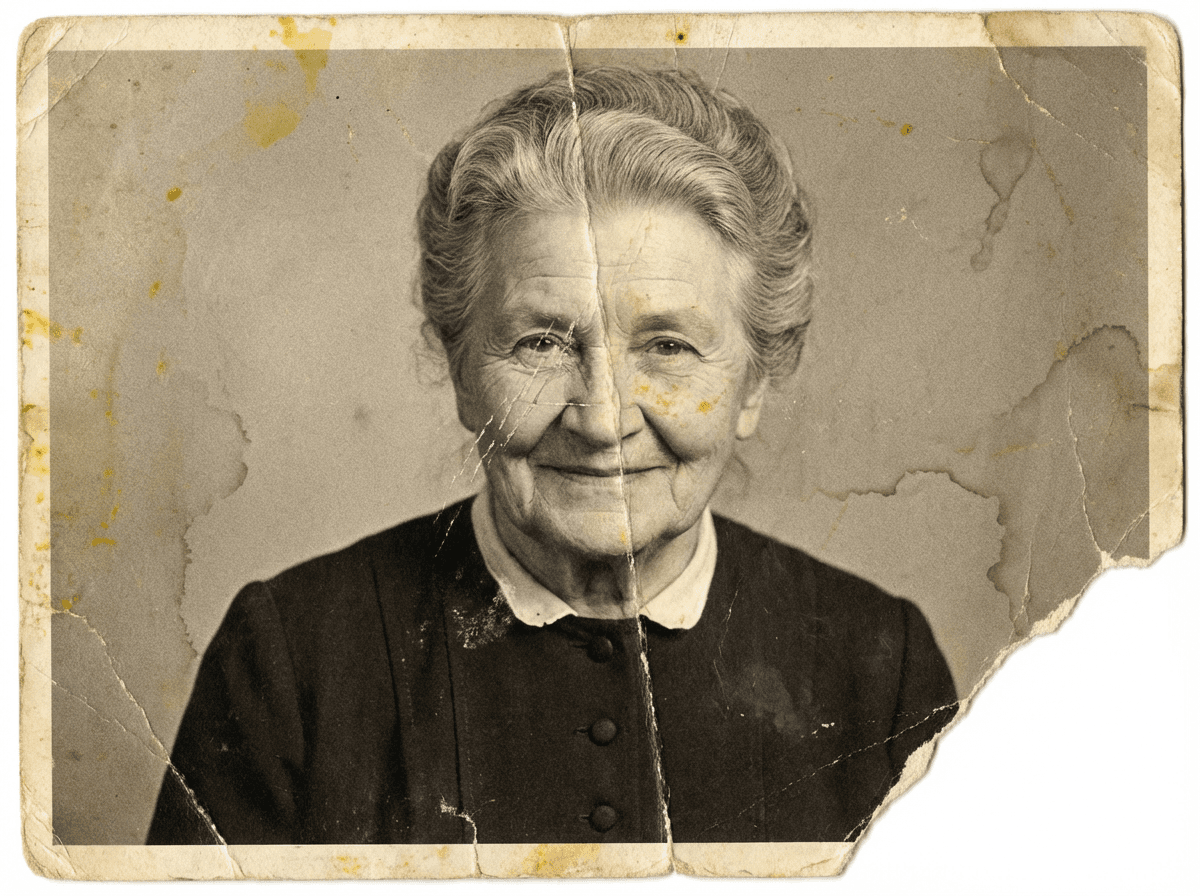
Improve faded or damaged digital copies while keeping your original scans as the historical record.
Group photos by family branch, occasion, or decade. Add names and stories so the next generation knows what it is seeing.
Invite relatives and friends into your family circle. Use access controls thoughtfully and review any share links you enable.
Real examples from our home page. AI can change details and results vary. Keep your originals as a record of your family history.
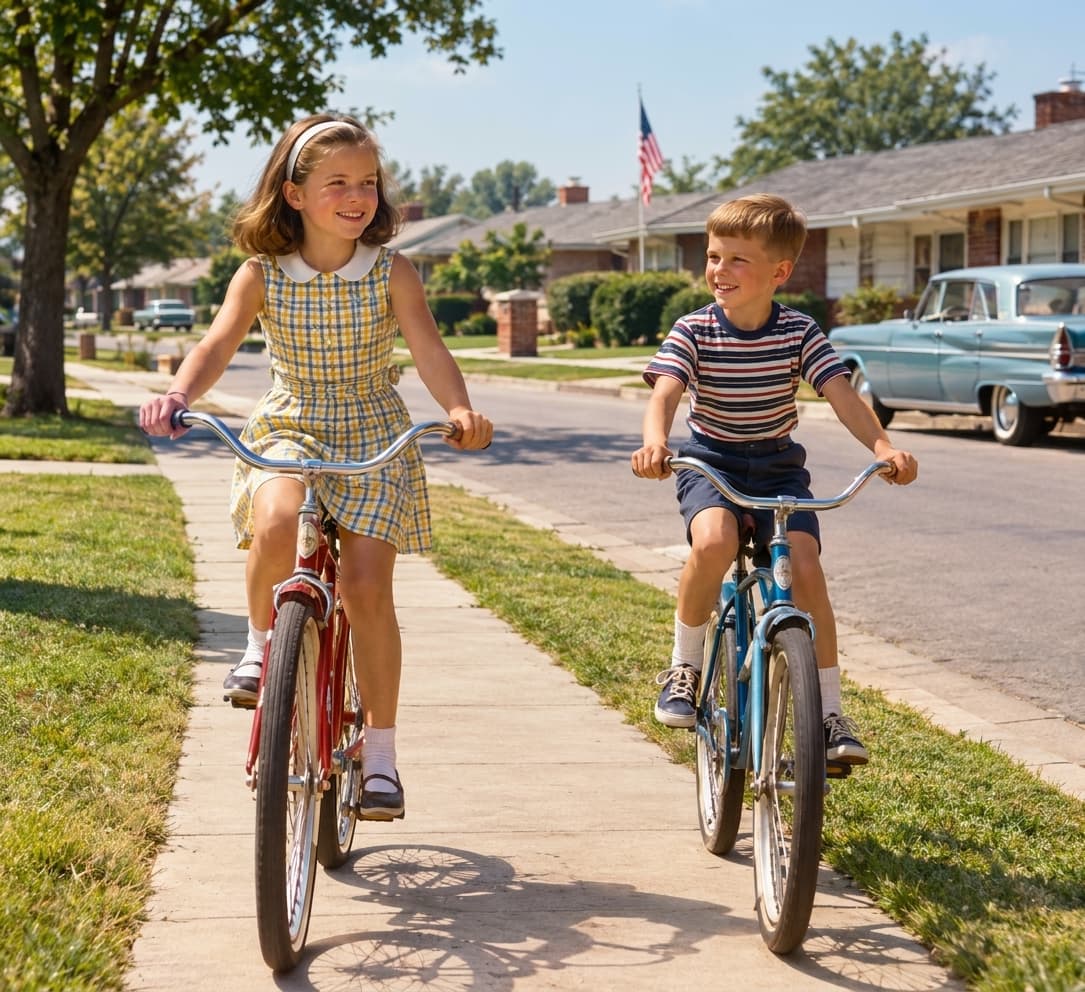

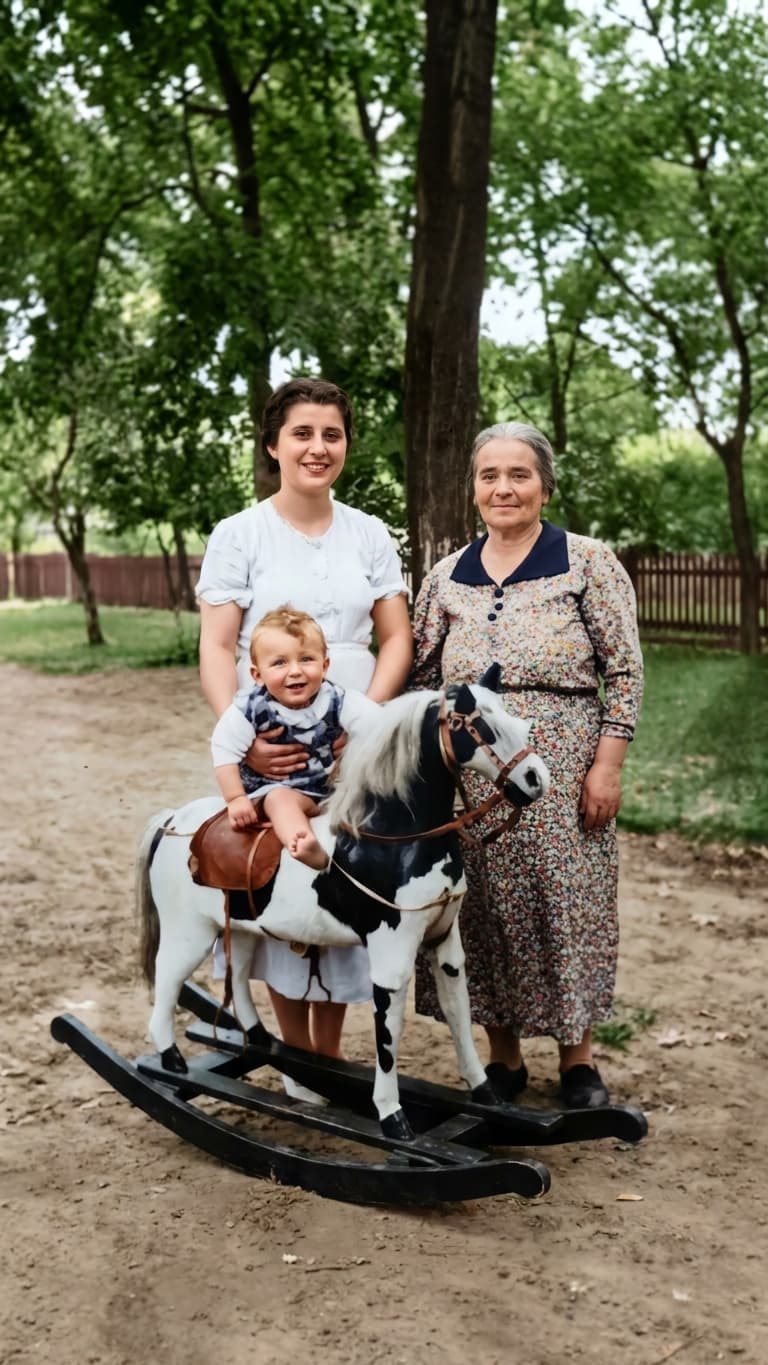
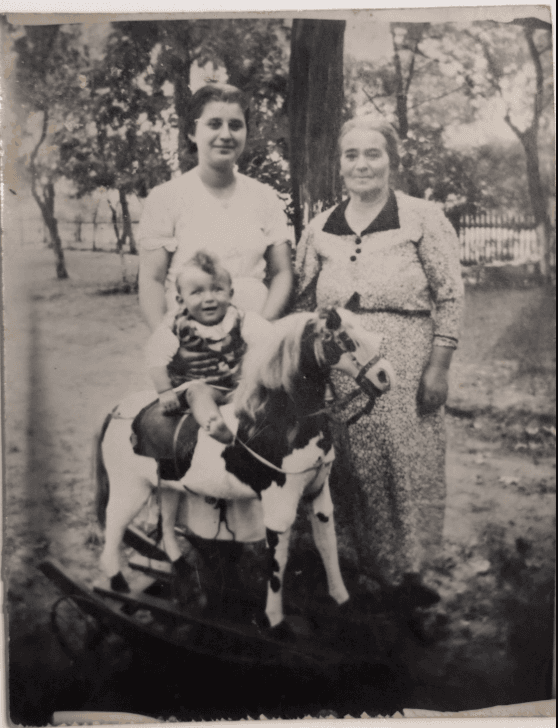
Start with one envelope or album. Make digital copies and keep a separate backup of your originals.
Enhance selected photographs, create albums, and identify the people and events you know.
Ask relatives to contribute names and memories. Review sharing settings before sending invitations or links.
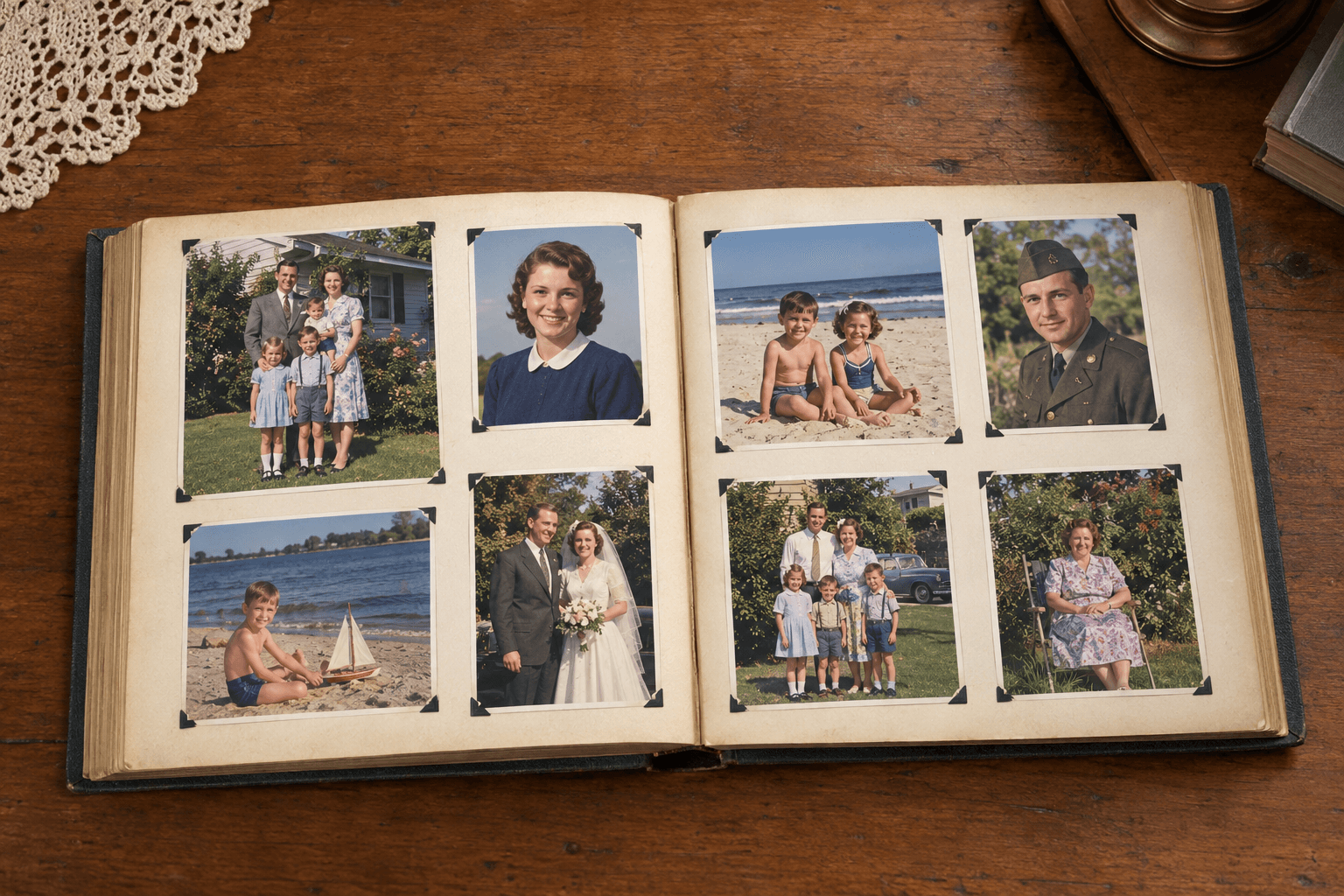
Keep your collection organized within family circles and invite the people you want to include. Check membership and active share links regularly. Storage is subject to your plan; keep an independent backup of important originals.
It is for family archivists, family historians, and anyone who looks after old family photos. You do not need professional archive experience.
Use family-circle membership and the available sharing controls. Enabled share links can allow access to their holders, so share them only with intended viewers.
No. Keep original prints and an independent digital backup. Account storage and feature limits depend on your plan.