How to Fix a Water-Damaged Photo (Step by Step Guide)
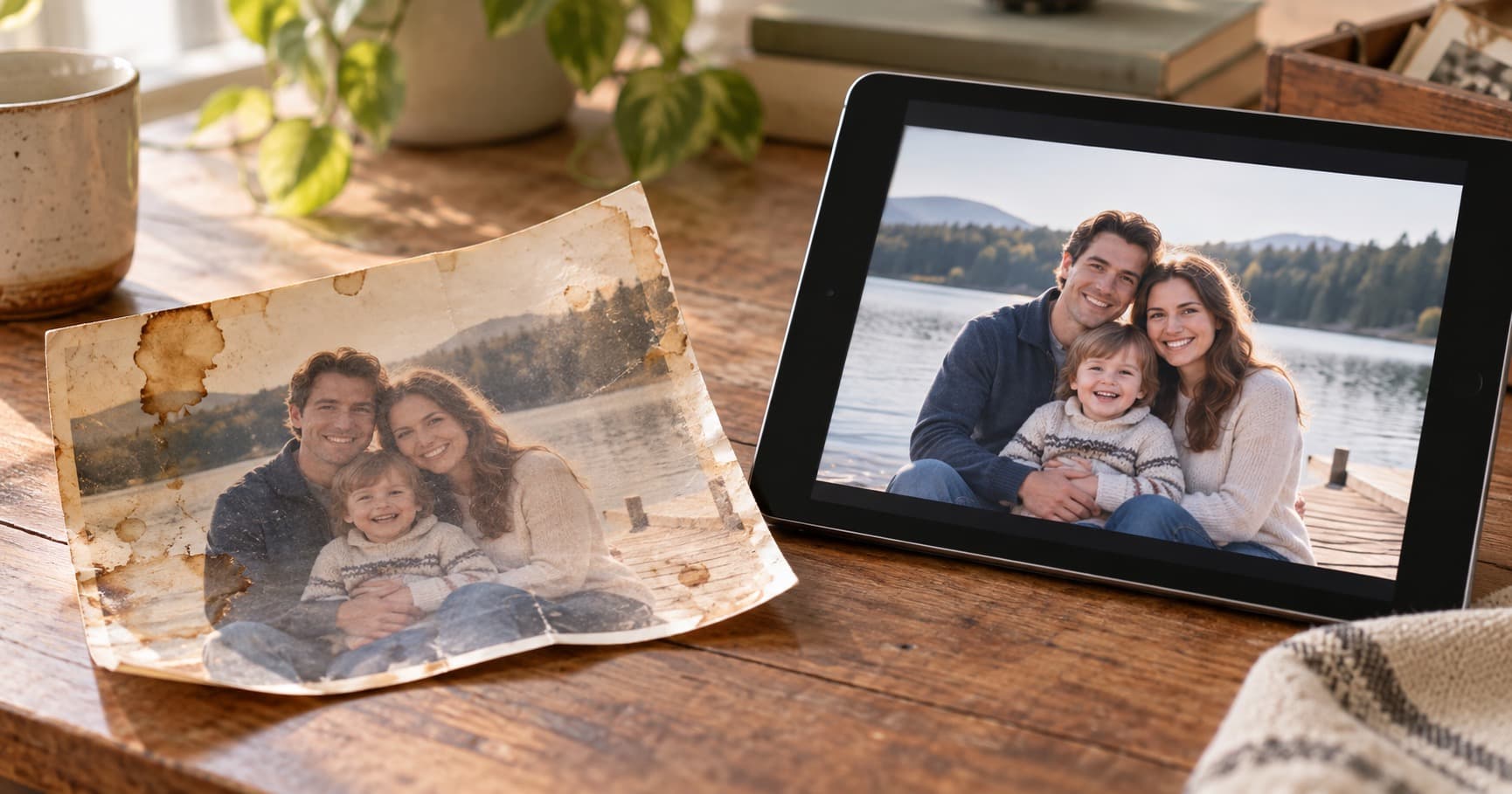
A burst pipe, basement flood, or leaky picture frame can ruin an entire family archive in hours. If you've just discovered water damage — or if you have old photos with brown stains, bleeding colors, or warped surfaces — there is a way back.
This is a practical guide. The first half covers what to do right now if photos got wet recently. The second half covers how to restore photos with existing water damage using AI.
Part 1: First 48 Hours After Water Exposure
Time matters. The longer photos sit wet, the more permanent the damage.
Step 1: Separate wet photos carefully
- Stuck-together photos will tear if you force them apart.
- Submerge them in clean, cool water (yes — more water). The water releases the bond gently.
- Lift each photo by the edges only. Never touch the front surface.
Step 2: Rinse off mud and contaminants
- If the water was dirty (flood, sewer backup), gently rinse the photo surface with clean cool water.
- Don't scrub. Don't use soap. Don't use chemicals.
Step 3: Air-dry flat
- Lay photos face up on a clean, absorbent surface — paper towels or unprinted newsprint.
- Use a fan to move air across them. Do not use heat (no hair dryer, no sunlight, no radiator).
- Replace the absorbent paper as it gets wet.
- Photos may curl. That's okay — flatten them later with weight under glass.
Step 4: If you can't dry them within 48 hours, freeze them
- Place wet photos in plastic bags separated by wax paper.
- Freeze. Frozen photos can wait weeks before drying.
- Thaw and dry one batch at a time.
Step 5: Scan everything you saved
Even partially-damaged photos should be scanned immediately. Damage gets worse with time as the chemistry continues to react. A digital copy preserves the current state and is the input for AI restoration.
Part 2: Restore Photos With Existing Water Damage
If the photo dried weeks, months, or years ago, it likely has visible damage — brown stains, ring marks, faded color, warping, or stuck-on debris. AI restoration can fix most of this.
What AI Can Repair
- Brown stains and tide lines from where water settled
- Ring marks from droplets that dried in place
- Bleeding colors that ran across the image
- Faded areas where chemistry was washed out
- Yellowing from chemical reactions in the photo paper
What AI Cannot Fully Recover
- Areas where the emulsion is gone. If the photo surface was scrubbed away or large chunks lifted off, there is no detail left to recover. AI can fill the area plausibly but not authentically.
- Severe distortion. Heavy warping can cause the AI to misinterpret features.
For these severe cases, AI gets you 80% of the way. Manual touch-up in Photoshop covers the last 20%.
Step by Step: Restore a Water-Damaged Photo With AI
- Scan the photo. Use a flatbed scanner at 600 DPI for best results. If you only have a phone, take the photo in even, indirect light with no glare.
- Crop tightly but leave a few millimeters of border. The AI uses surrounding context.
- Upload to a restoration tool. PhotoHeirloom supports JPEG, PNG, and WebP up to 10MB.
- Review the result. Use the before/after slider to compare. If specific areas need more work, re-run on a cropped section.
- Download the high-resolution version and store it in your family album.
Storing Photos After Restoration
Don't put restored photos back into the same environment that damaged them. Best practices:
- 65-70°F, 30-40% humidity. Climate-controlled spaces, not attics or basements.
- Acid-free archival sleeves and boxes. Avoid old magnetic albums and PVC pages.
- Off the floor. A flood that happens once tends to happen again.
- Backup digitally. Cloud storage, a family album app, and at least one external drive.
When to Call a Professional Conservator
For severely damaged unique photos — daguerreotypes, ambrotypes, early 20th-century portraits with no backup — call a professional photo conservator. They can stabilize the physical original in ways AI cannot.
For everything else, AI restoration is fast, cheap, and good enough that 95% of family photos can be saved.
Don't Wait
Water damage doesn't pause. The chemical reactions that started when the photo got wet continue for years. Photos with mild staining today will be unreadable in a decade. Scan everything now, restore the most important photos first, and store the originals correctly going forward.
Start with 3 free AI restorations and save the photos that matter most.