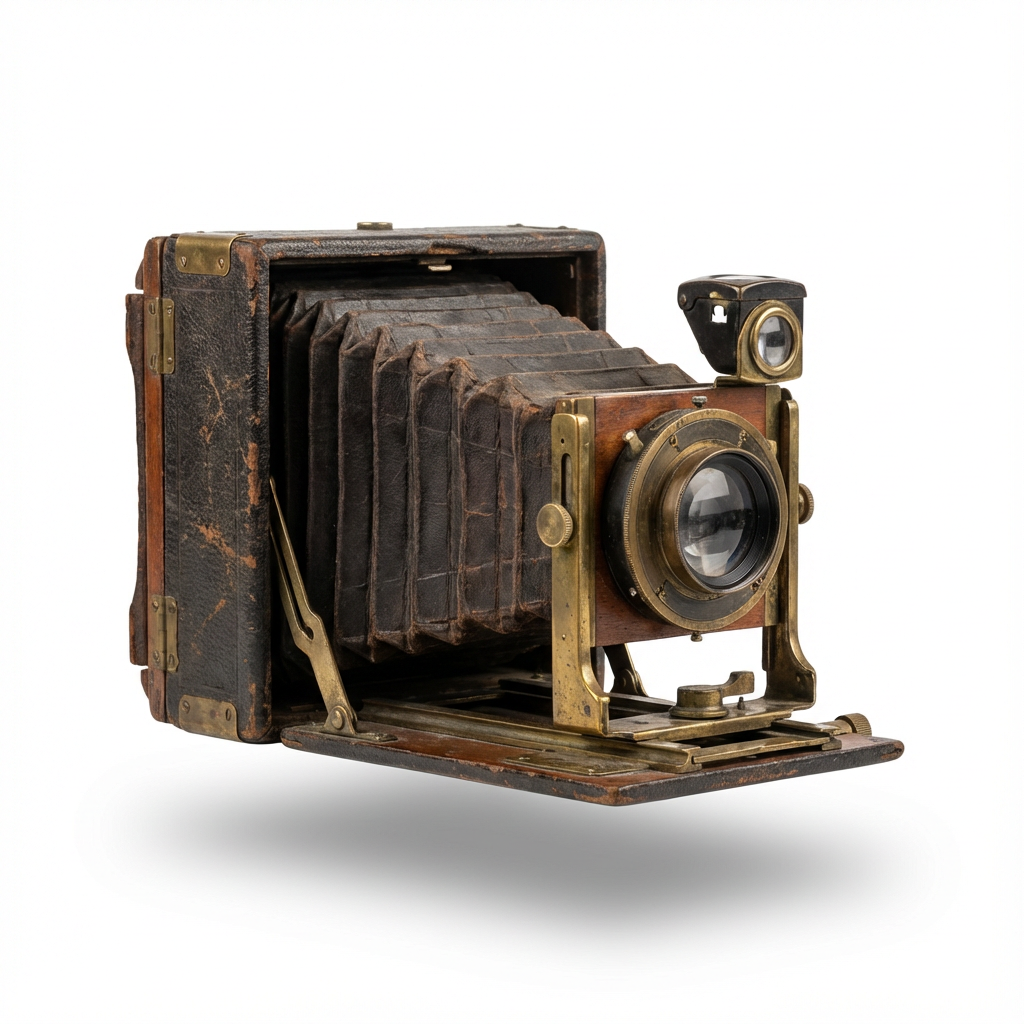
A gift made from family memories
For mom and dad, give the photos a new chapter
Digitize old prints and restore and colorize old, damaged photos as a gift for your family. Create an online album on PhotoHeirloom and share the memories with the people you love.
See the photo examples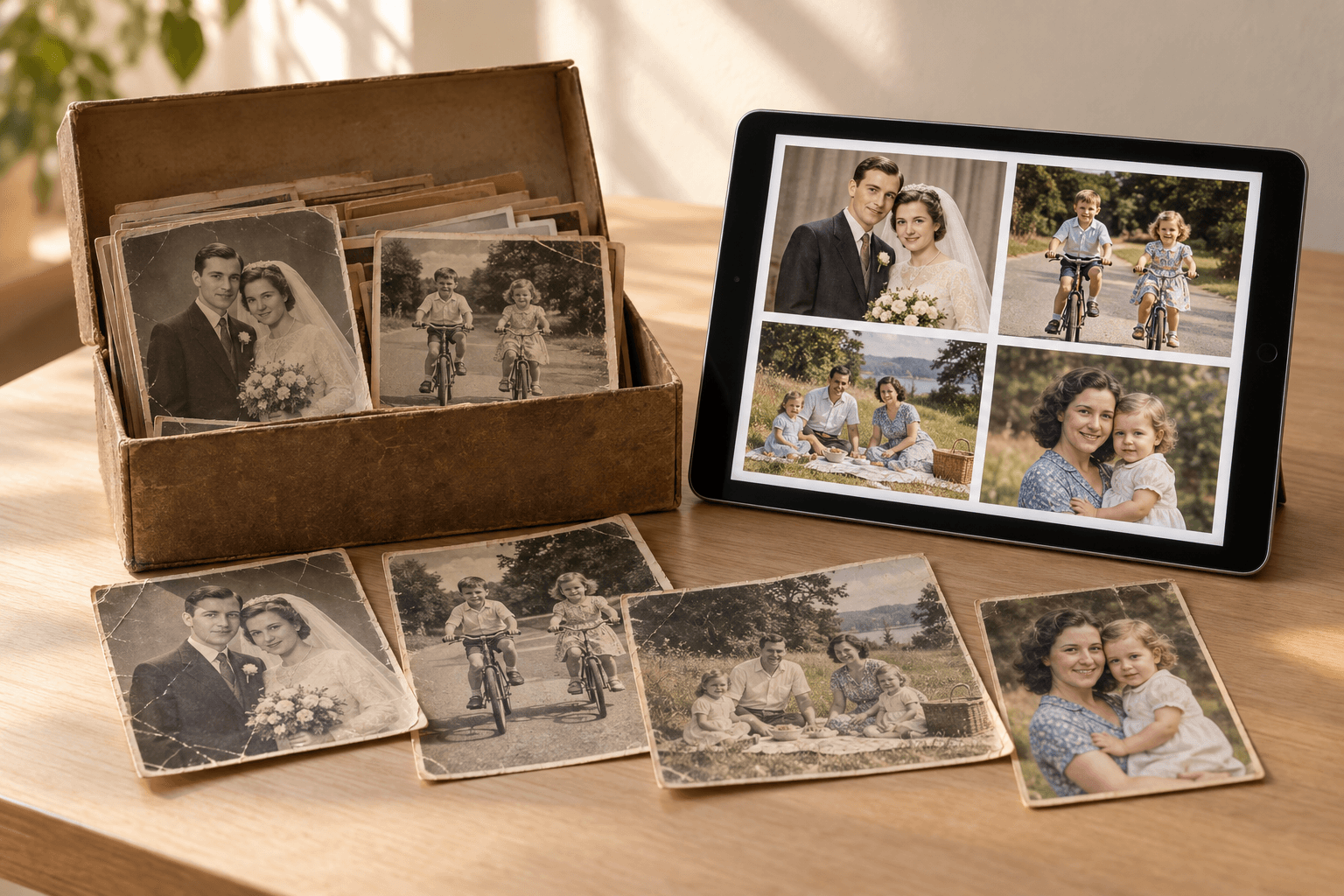
Personal photo gifts for the people who raised you
For mum, dad, grandparents, or anyone you love, a photo gift starts with a memory you share. Digitize a childhood portrait, restore a faded wedding photo, or colorize a family holiday snapshot. Bring the photos together in an online album, add names and stories, and give your family a gift you can enjoy together.
Give old old photos a new perspective



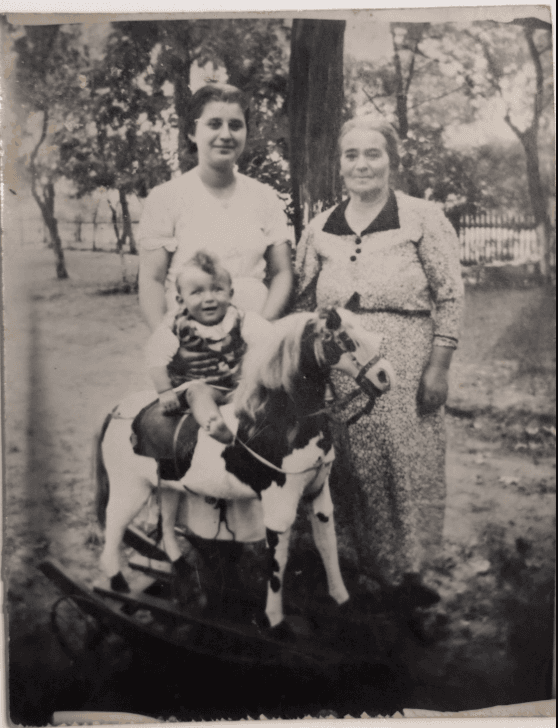
Make your photo gift in three steps
Digitize the memories
Choose a few meaningful prints. Scan them or take clear phone photos in even light, then upload the digital copies to PhotoHeirloom. Keep the originals.
Restore and colorize
Bring faded photos into clearer view and add color to black-and-white memories. Compare each result with the original and be amazed.
Create an album and share
Arrange your photos in an online album. Add names and stories, then invite your parents, relatives, and friends to enjoy the memories together.
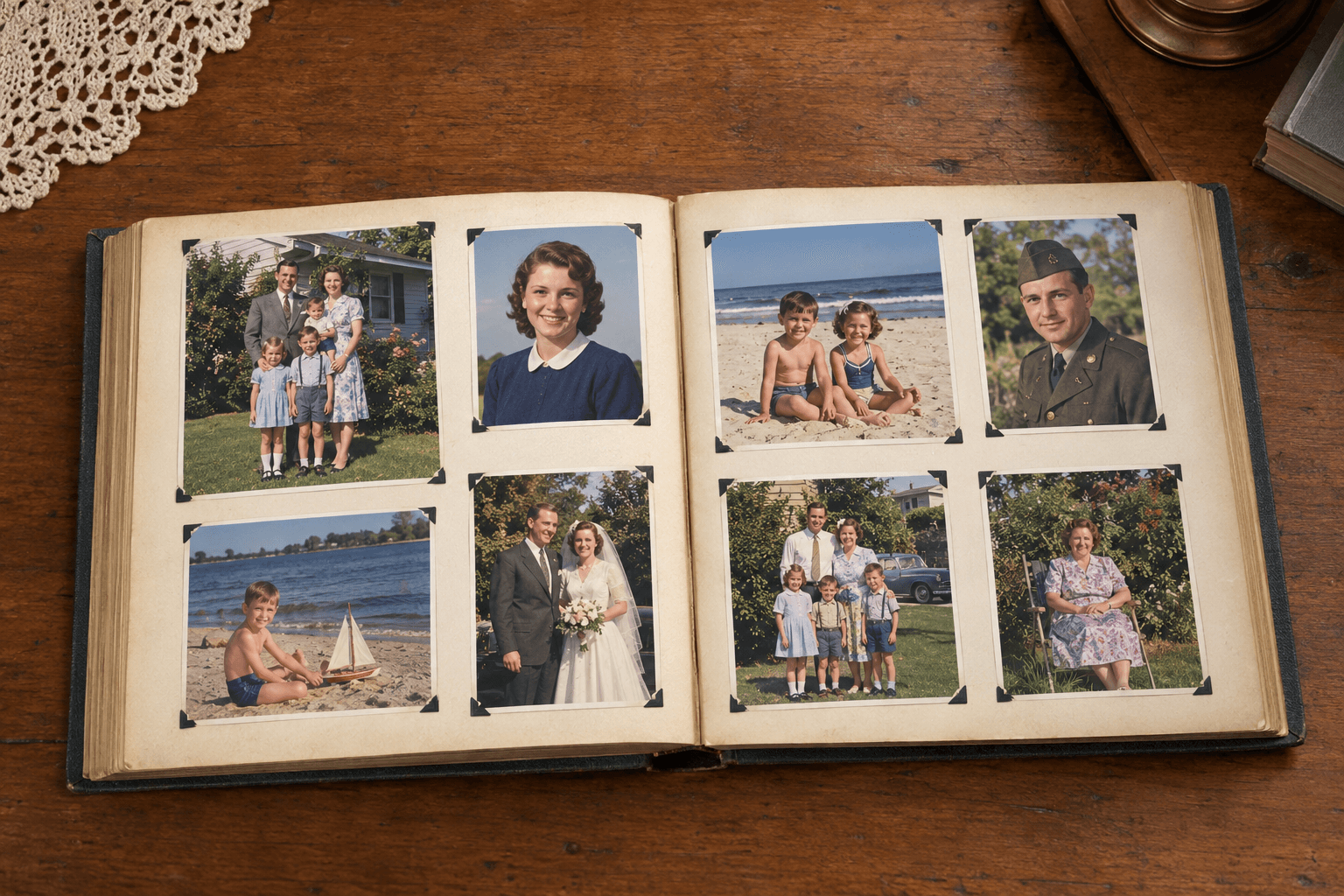
Make the gift an album you can enjoy together
Collect photos from different decades, add names and memories, and invite family and friends to view them. Use the sharing controls carefully: people with an enabled share link may be able to open it.
Your questions, answered
Do I make the gift myself?
Yes. You choose the photos, digitize them, and use PhotoHeirloom to restore and colorize them. Then create an album to share with your loved ones.
Can I start with printed or black-and-white photos?
Yes. Scan your prints or photograph them with your phone before uploading. You can restore and colorize digital copies while keeping the originals unchanged.
Is the gift a printed book or an online album?
You create a digital album on PhotoHeirloom, not a printed book. Use the available sharing controls to invite family and friends. Anyone with an enabled share link may be able to view its content.