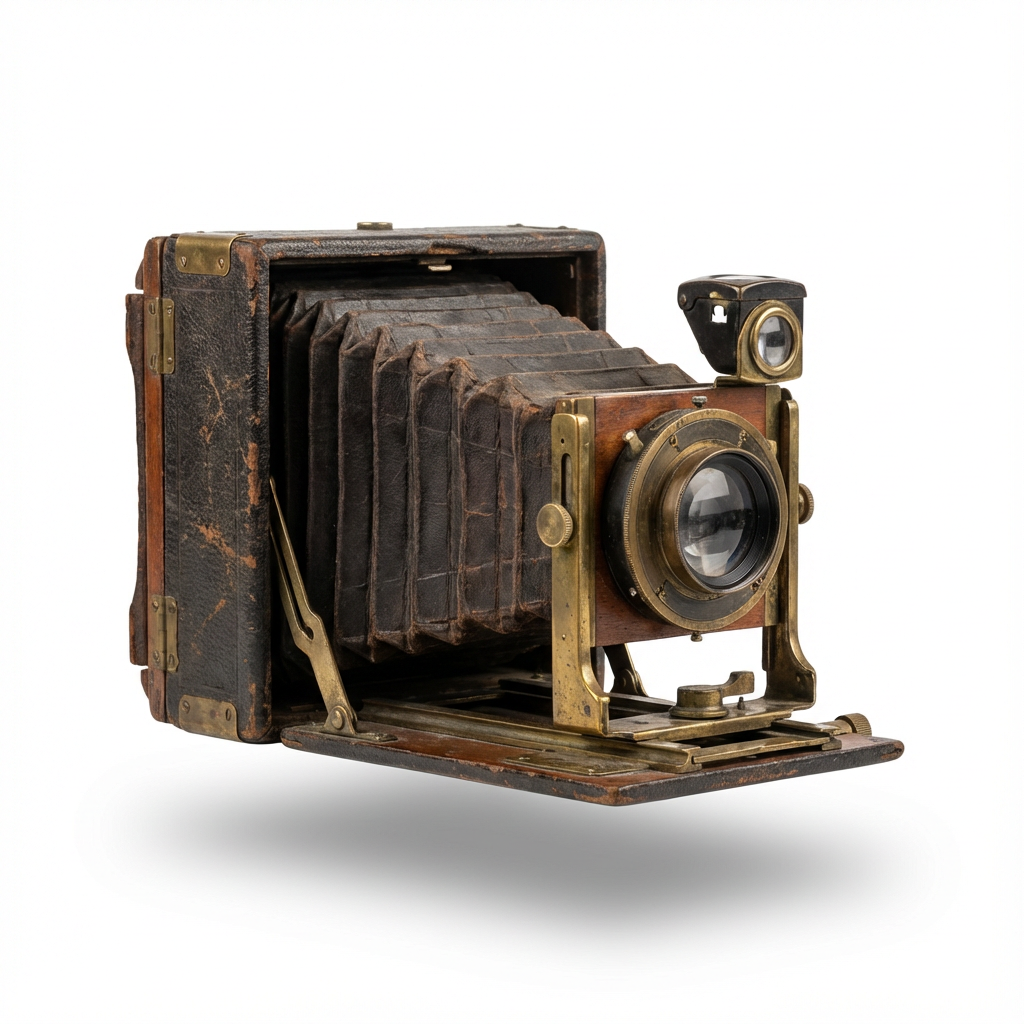
Start with a meaningful photo
Choose a clear family portrait or a favorite moment. Restore a faded image first if it needs attention.
AI photo-to-video animation
A wedding day. A childhood bicycle ride. A familiar face. Turn a family photograph into a short AI-generated video and see a new interpretation of a treasured moment.
See the photo examples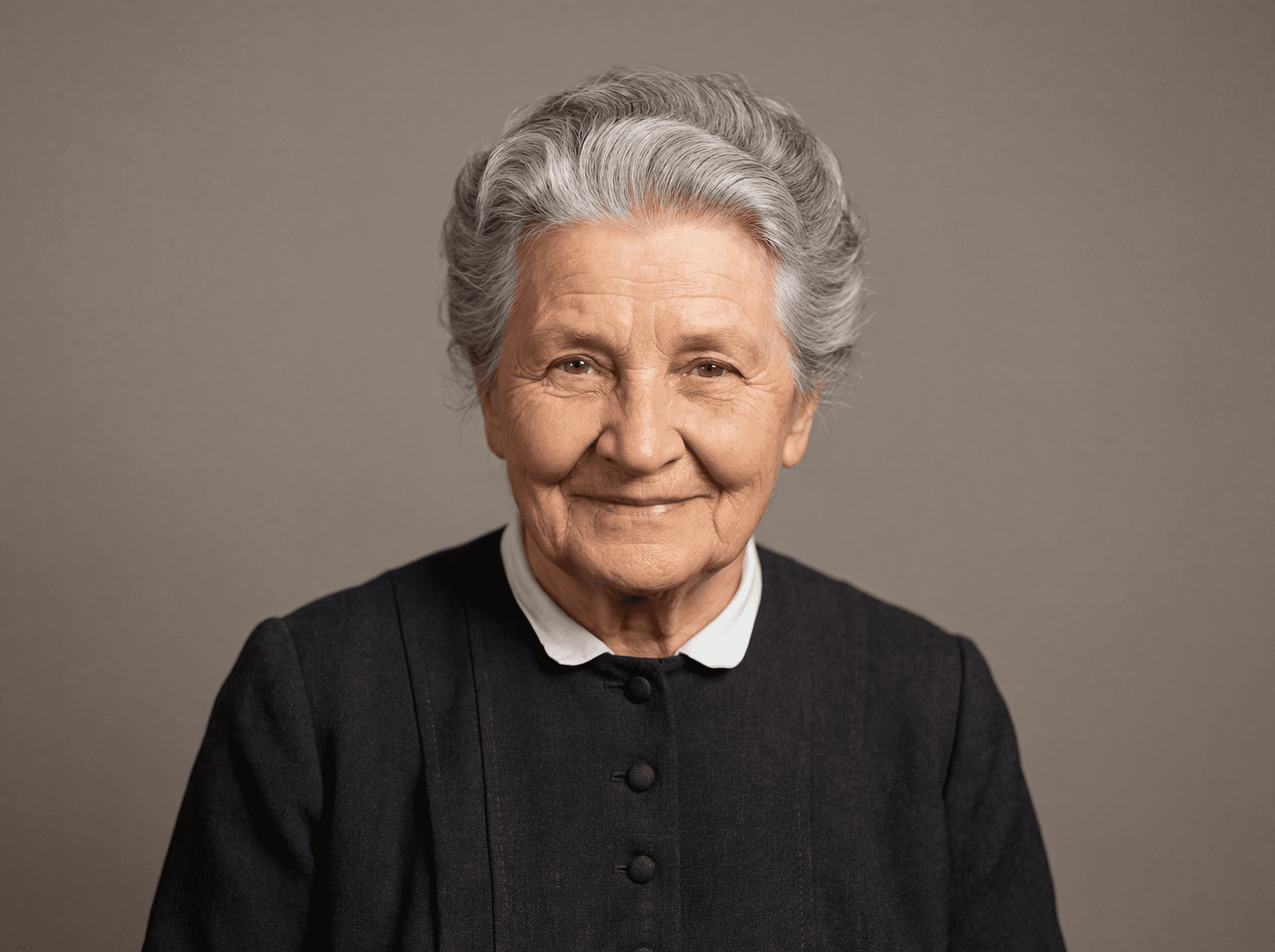
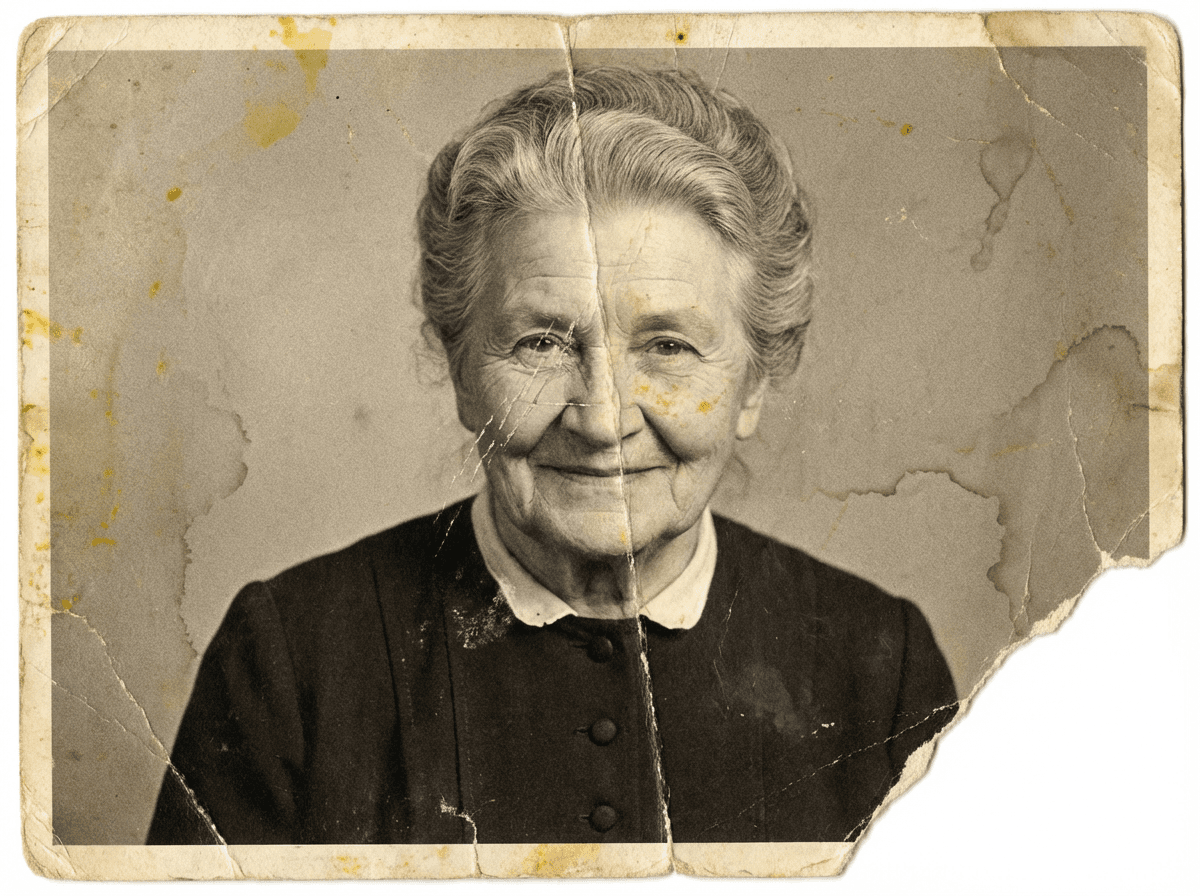
Choose a clear family portrait or a favorite moment. Restore a faded image first if it needs attention.
Create a short video from a still image. Describe the movement you want and review the result for unexpected details.
Let loved ones enjoy the result and explain that the movement is generated. Ask permission before animating or sharing sensitive family images.
Real examples from our home page. AI can change details and results vary. Keep your originals as a record of your family history.
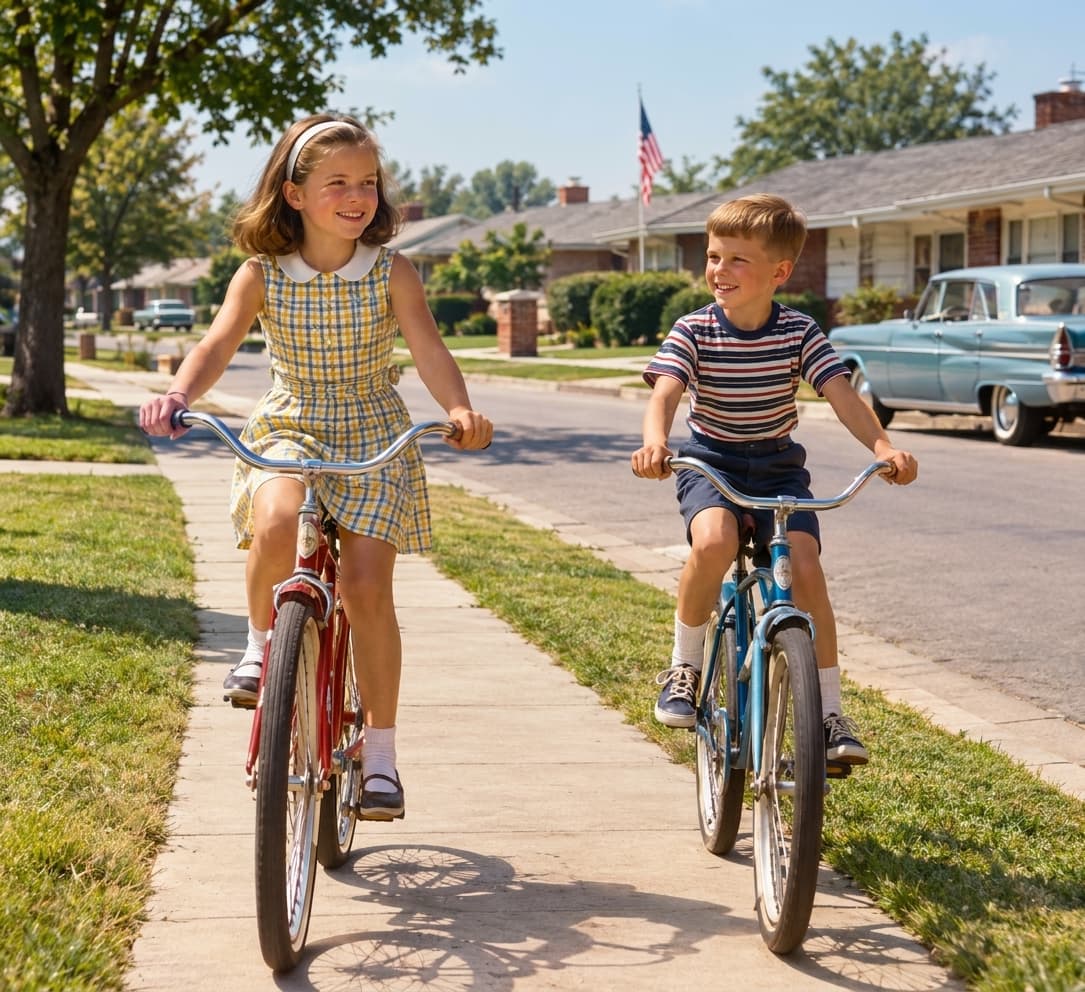
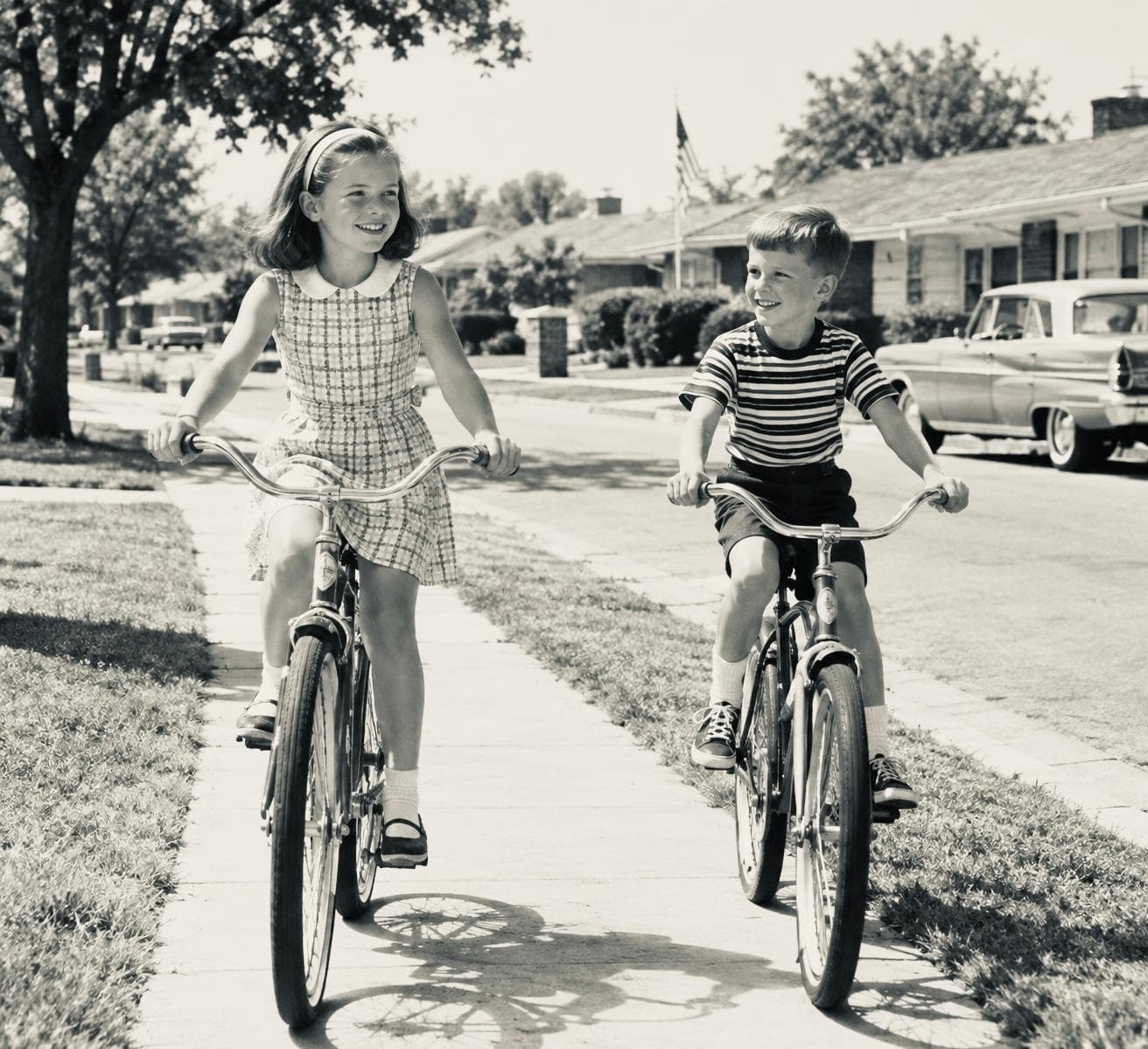
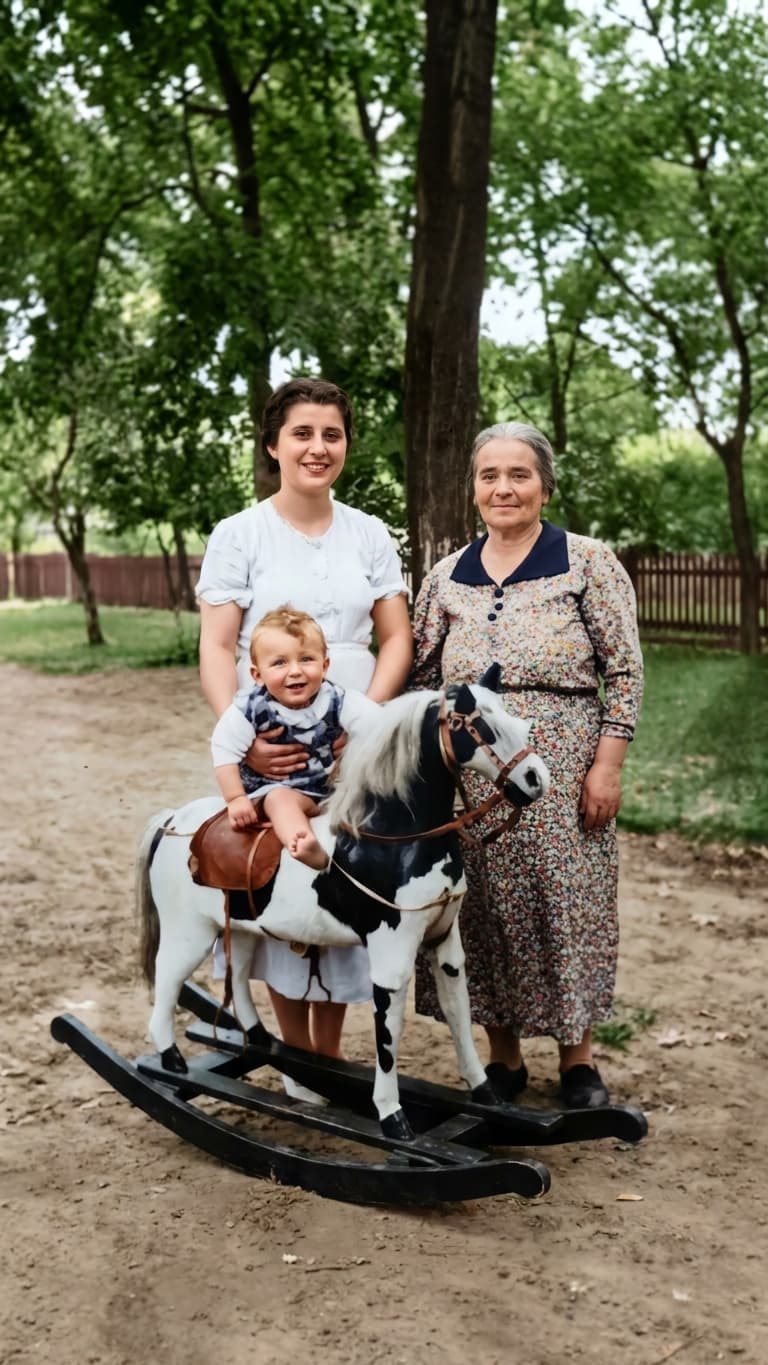
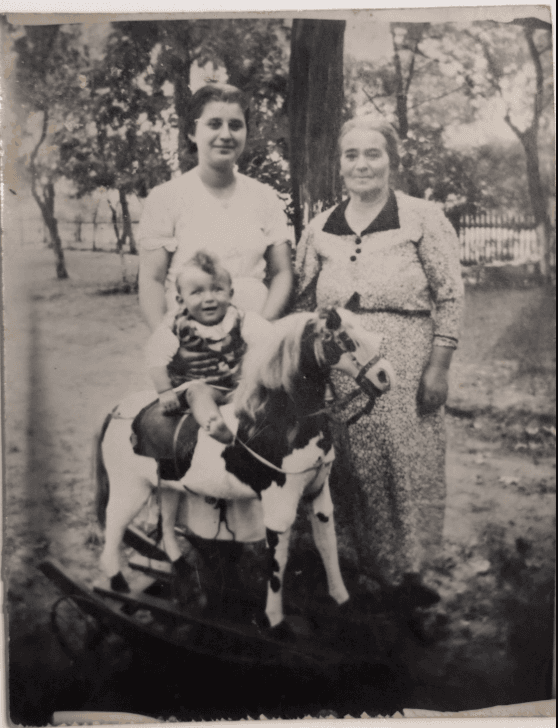
These examples contain AI-generated motion, not recovered historical footage. Use the player controls to pause or play.
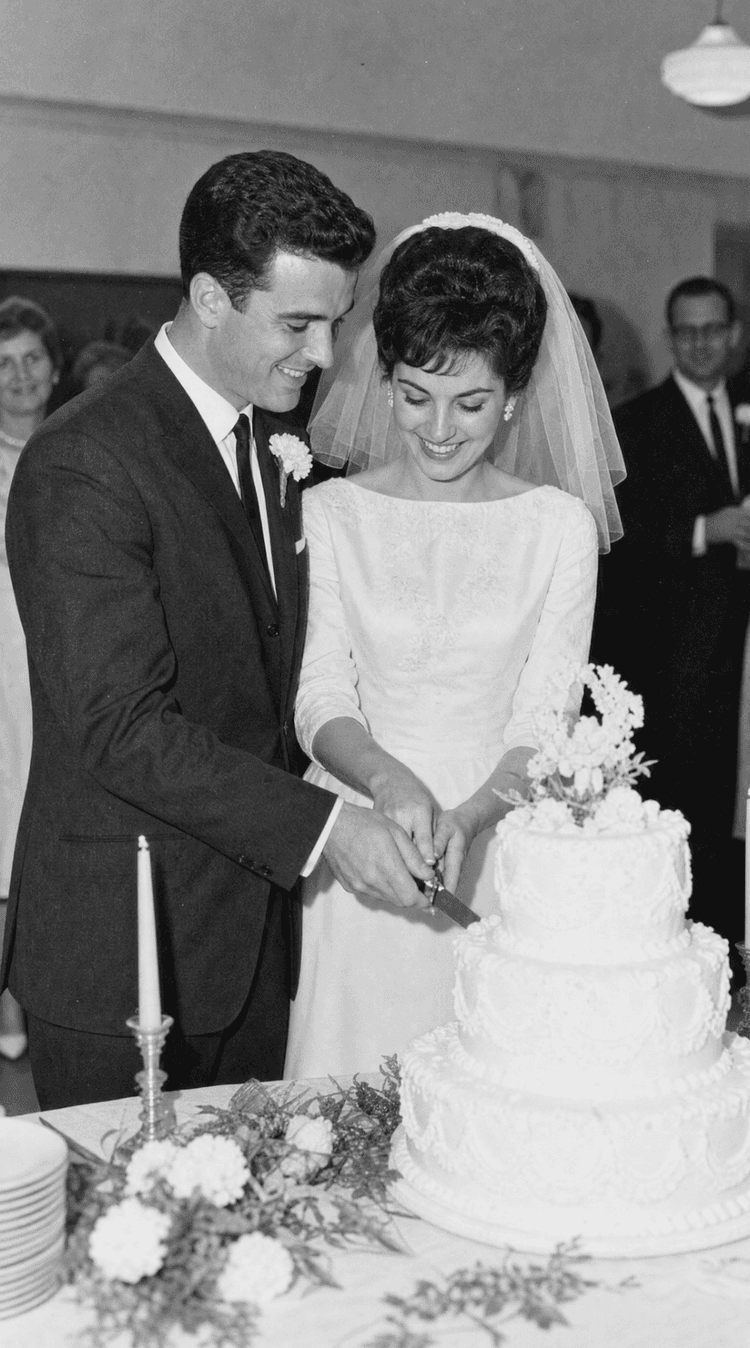
Original photo
AI-generated video
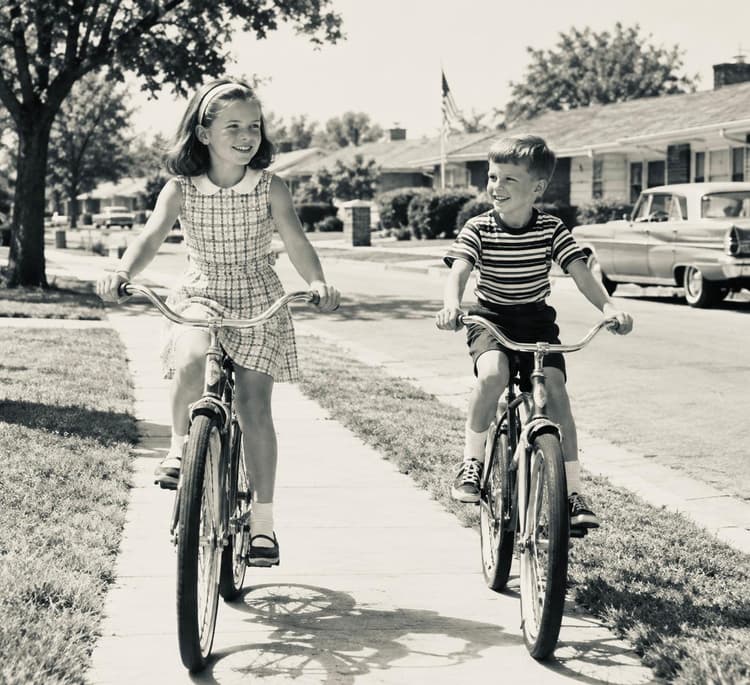
Original photo
AI-generated video
Add a photo to your account. Review the original or restored image and choose the version to animate.
Open video generation from the photo, describe the motion, and choose from the available options. Video credits are required.
Watch the complete clip before sharing. Keep the original photo and label the animation as AI-generated.
No. AI creates a new interpretation of motion from a still photograph. It does not recover what actually happened before or after the photo.
Yes. Start with an original or restored image. Clear faces and good source detail can help, but results vary.
Video generation uses separate video credits. Check the current pricing and the credits included in your account or gift pack.