Free AI photo restoration
Restore old photos free with AI
Upload a faded, torn, or damaged photo and watch it come back to life. No editing skills needed.
No credit card required · Your photos stay private
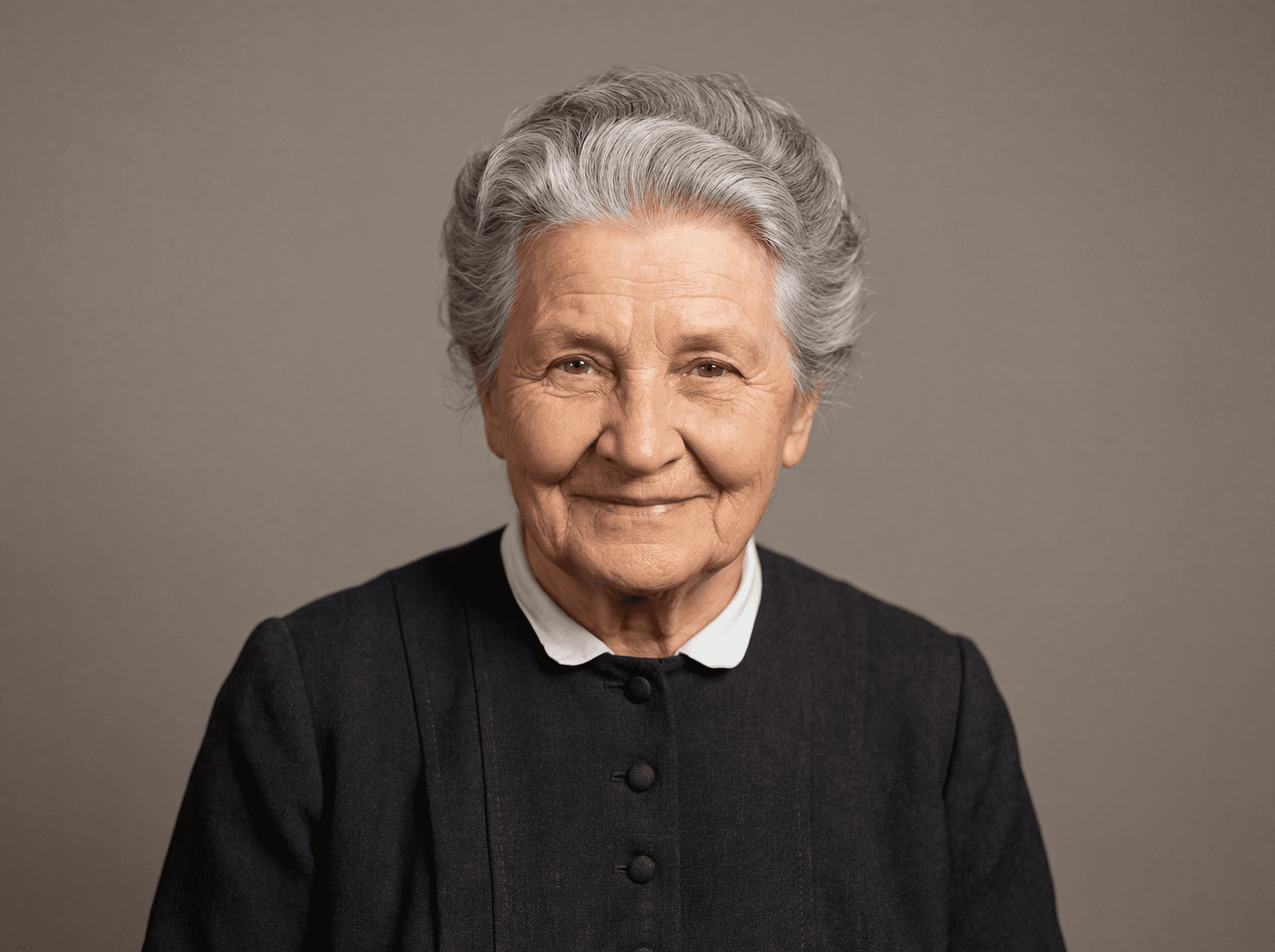
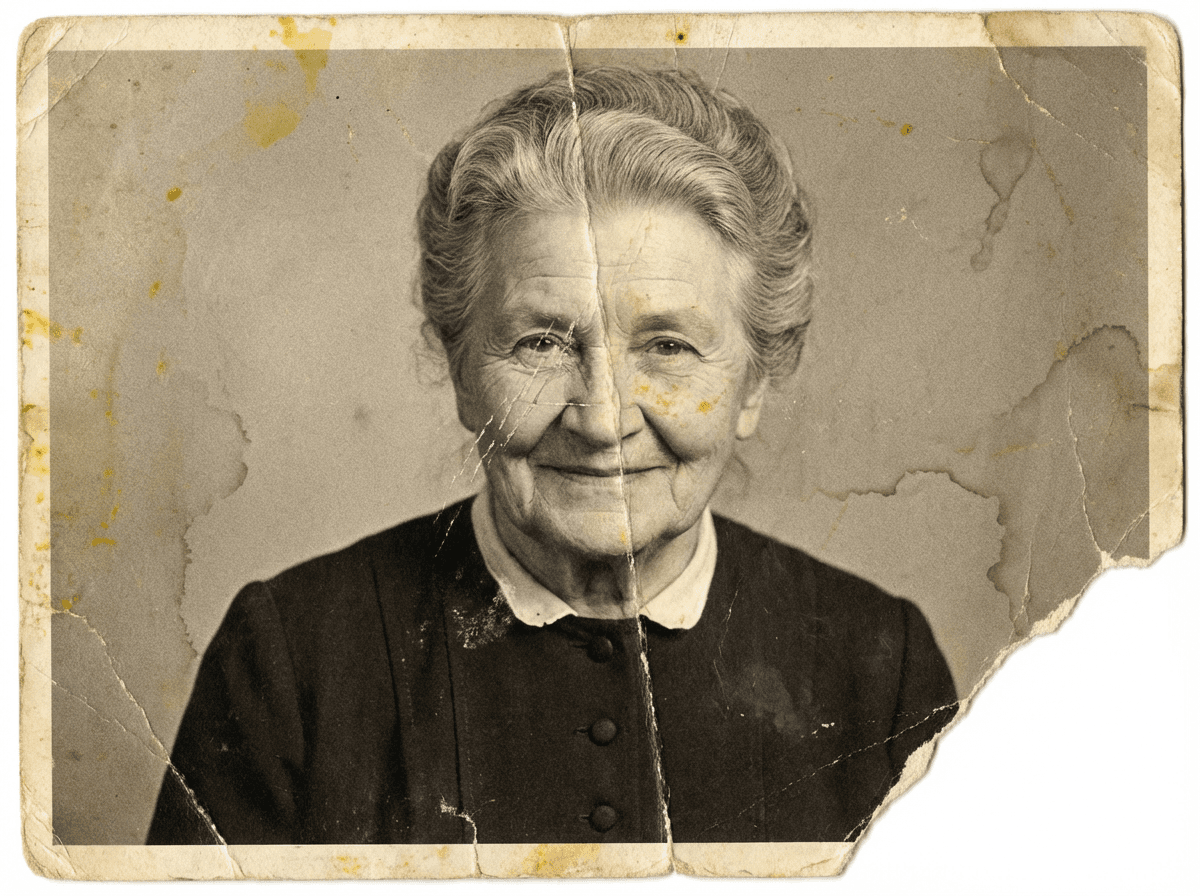
Drag the slider to see the transformation
Start with one photo
Upload it here. It stays private, and nothing is charged.
Restore and colorize your first photo free. No account needed.
JPG, PNG or WebP · Up to 10 MB
How it works
Upload your photo
Any JPEG or PNG, scanned or photographed with your phone.
AI restores your photo
Scratches, fading, water damage, and blur are automatically fixed. Black-and-white photos can be colorized too.
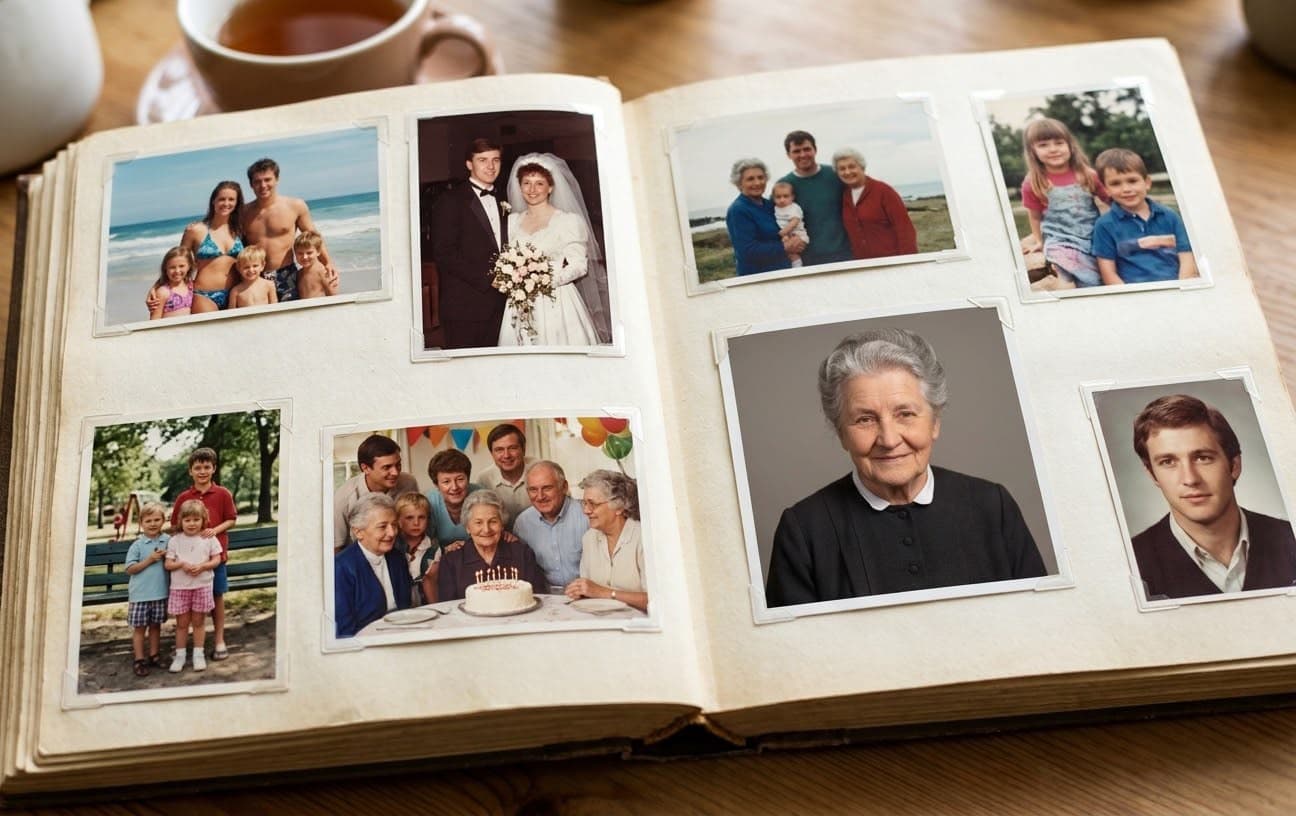
Save it to your private album
Keep it, download it, or share it with family.
What we can fix
- Scratches & tears
- Fading & discoloration
- Water damage
- Blur & low resolution
- Pixelation
- Light damage & glare
- Full color restoration
Your photos are private — never shared, sold, or used to train other models.
Before and afters
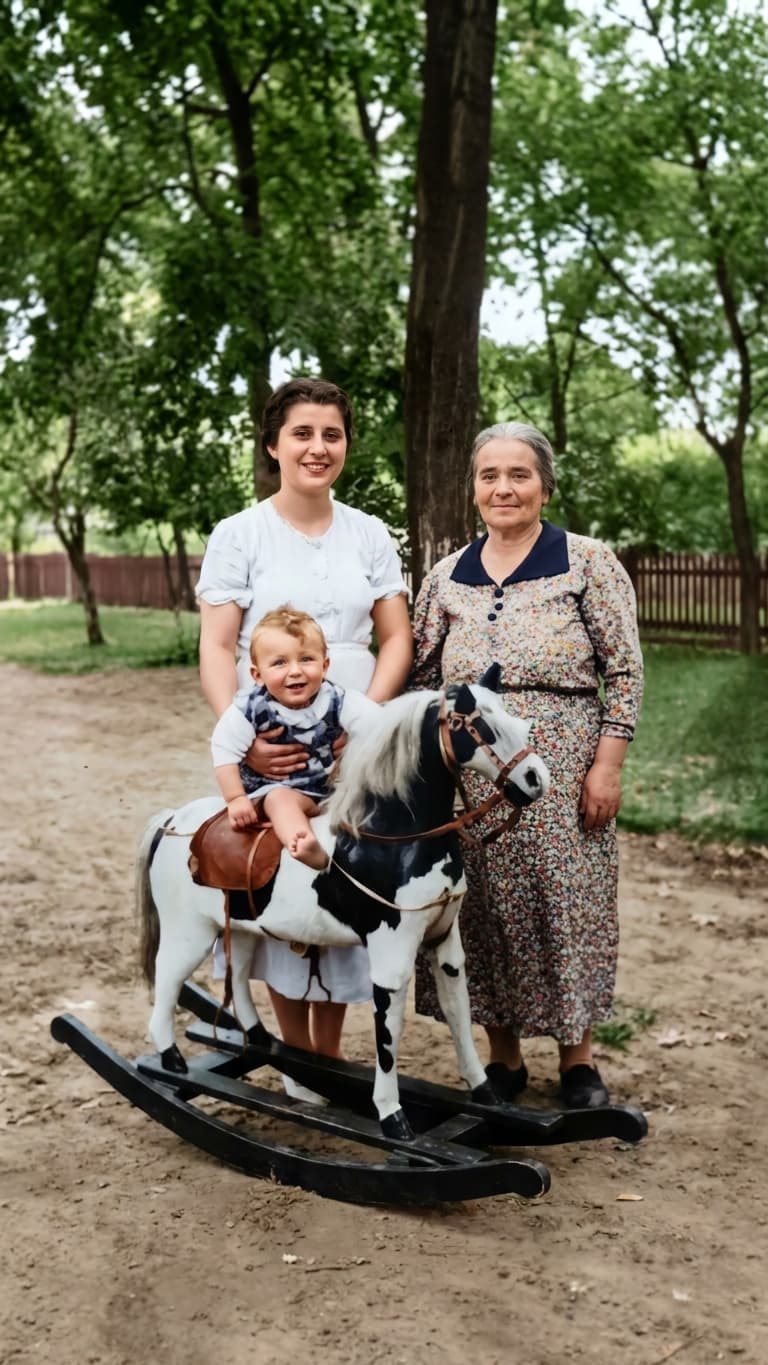
Real damage, gently repaired. Natural colorization.
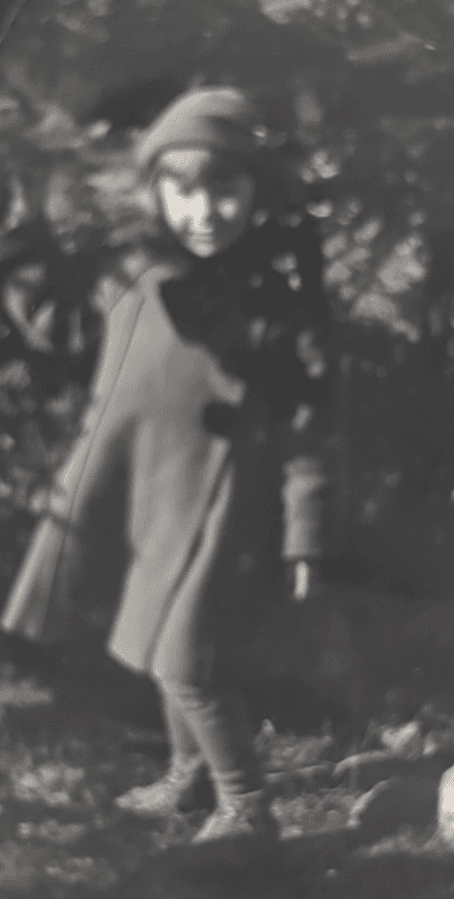 Before
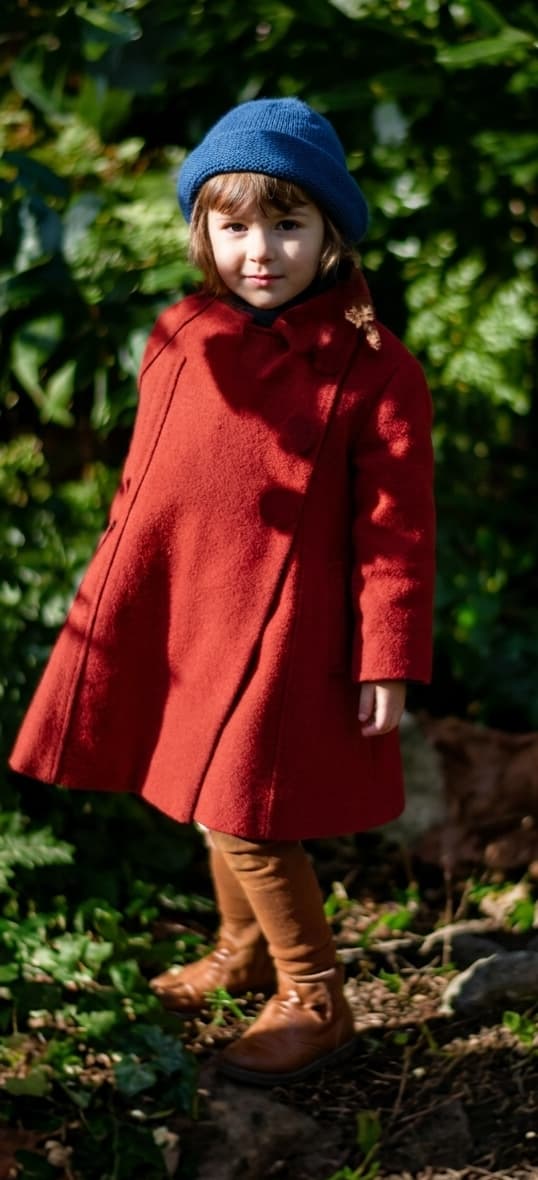 After
After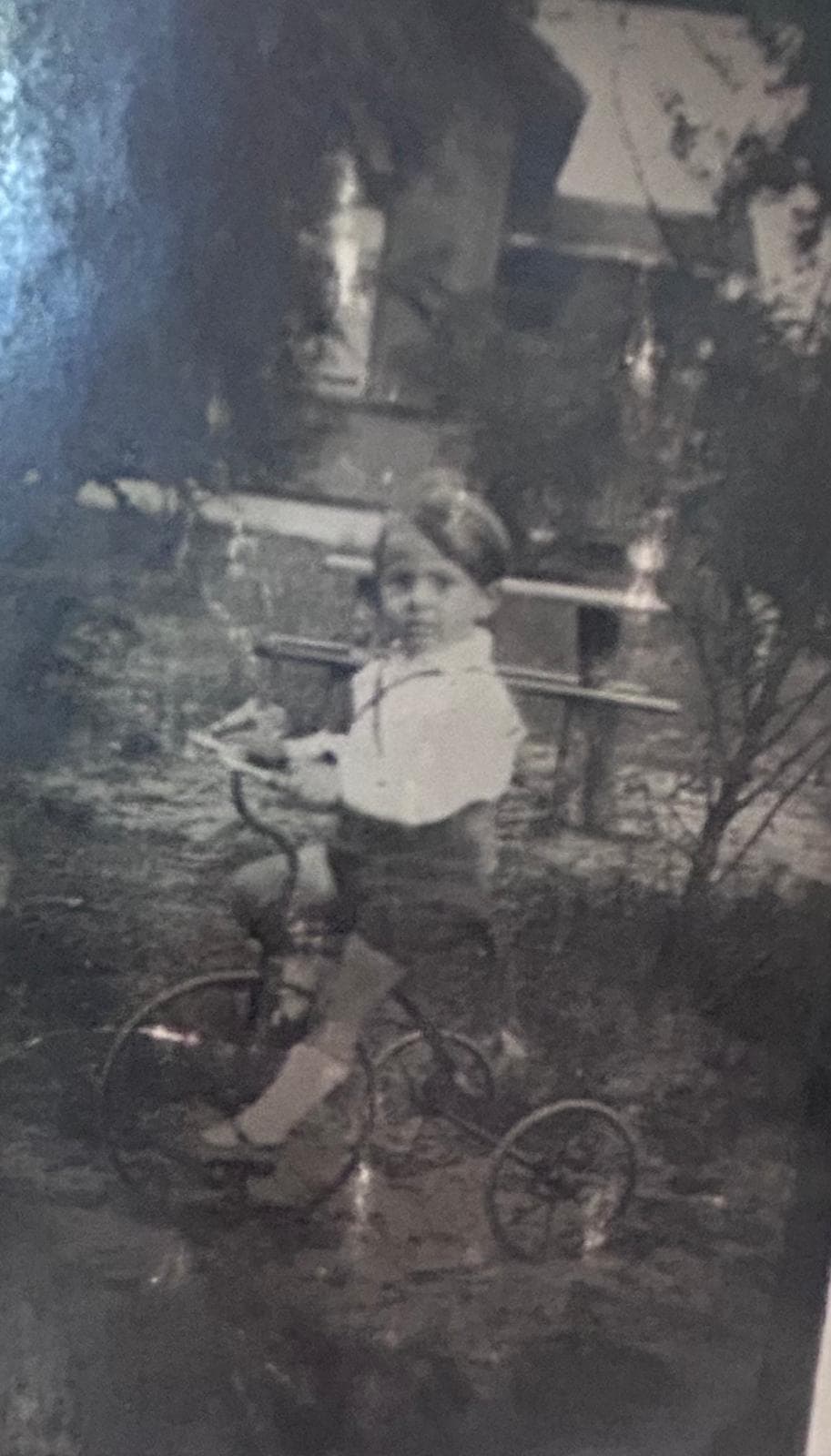 Before
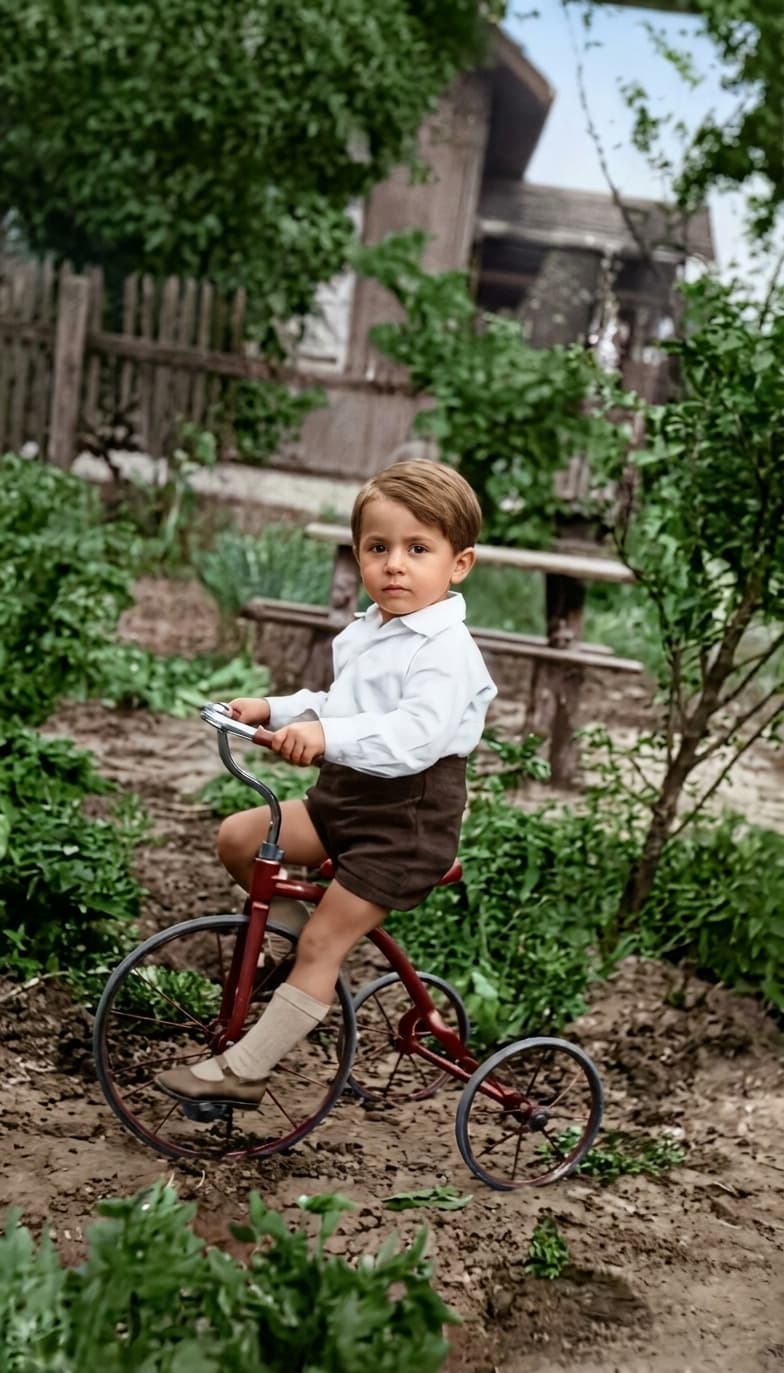 After
After Before
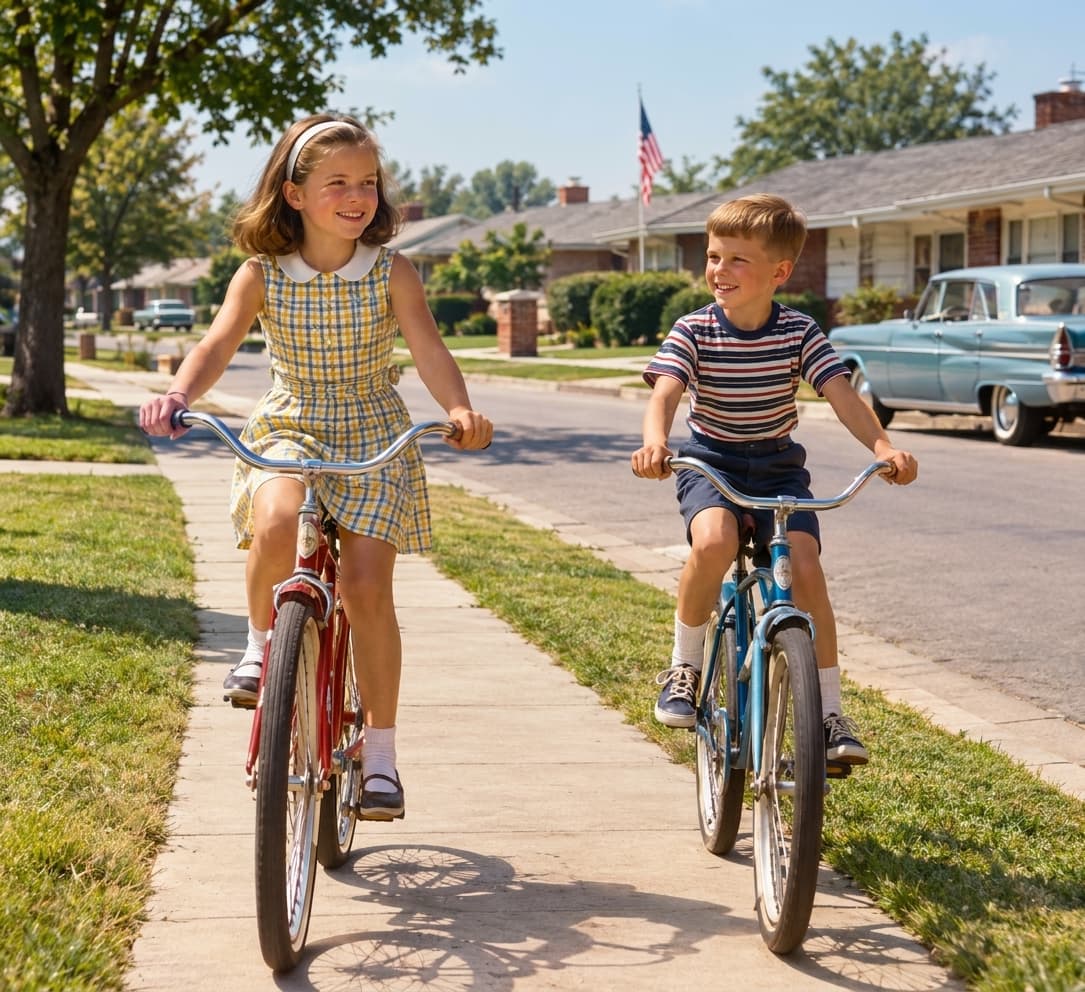 After
After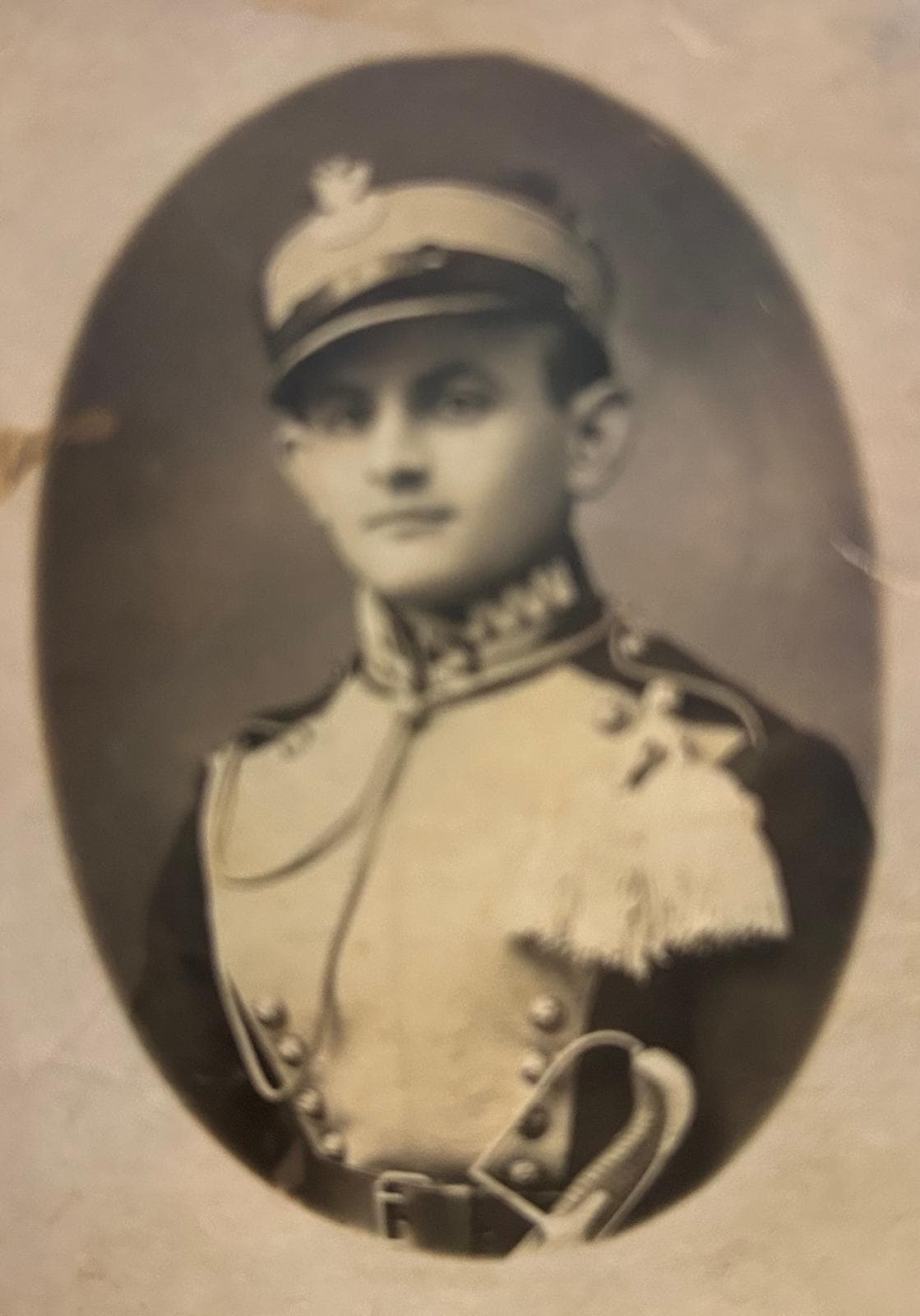 Before
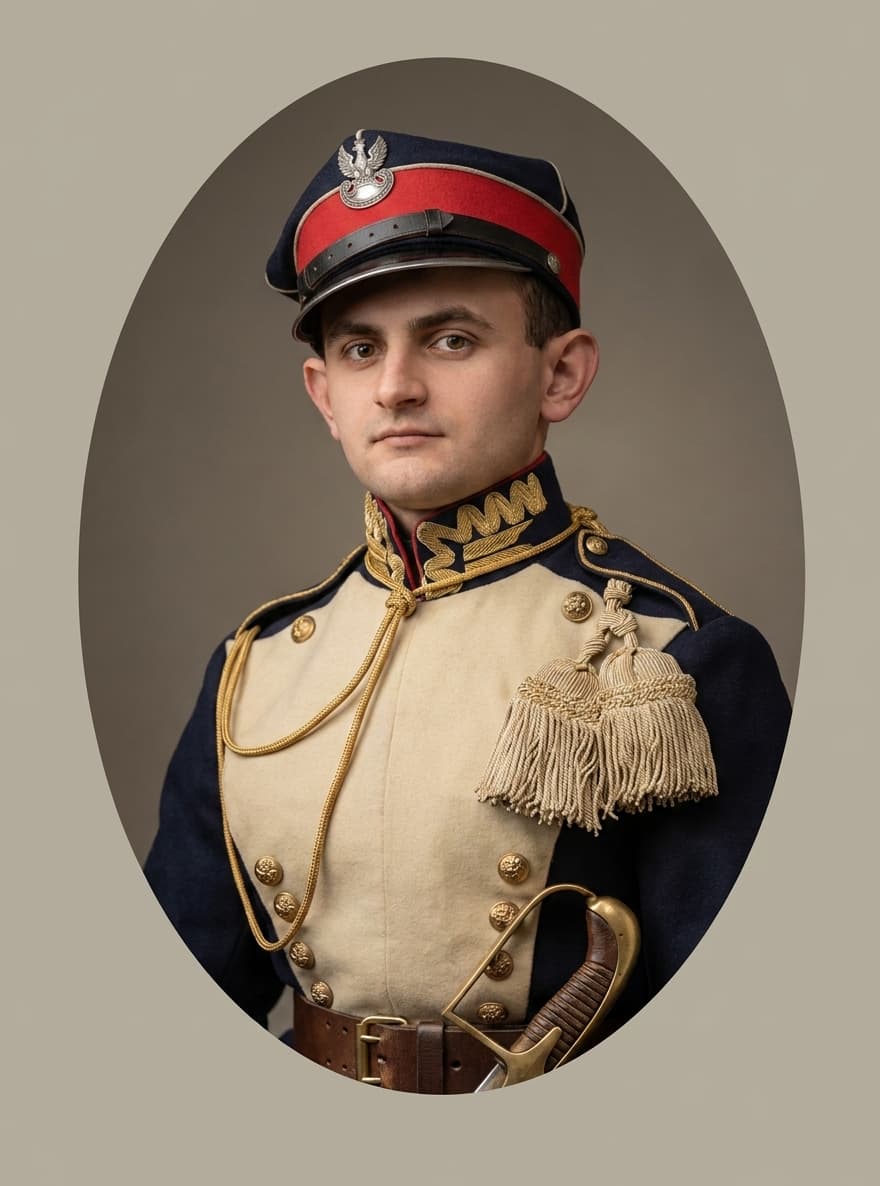 After
After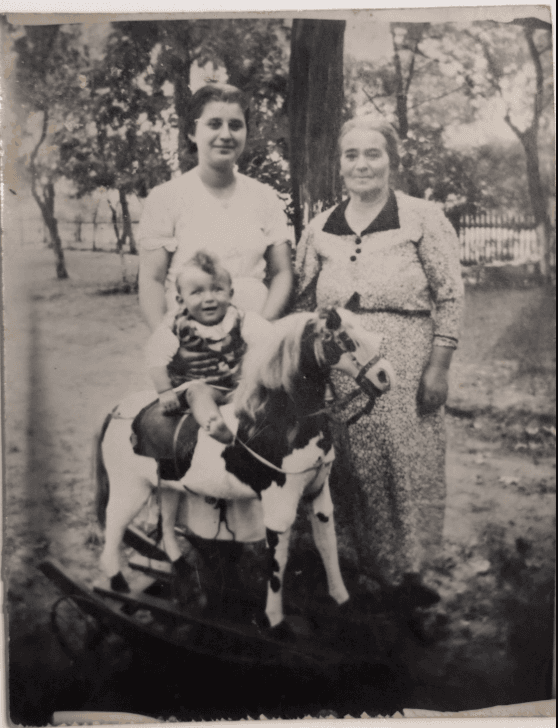 Before
 After
AfterPhotos into real-life videos
A single photo comes to life in a memory you can relive again and again.
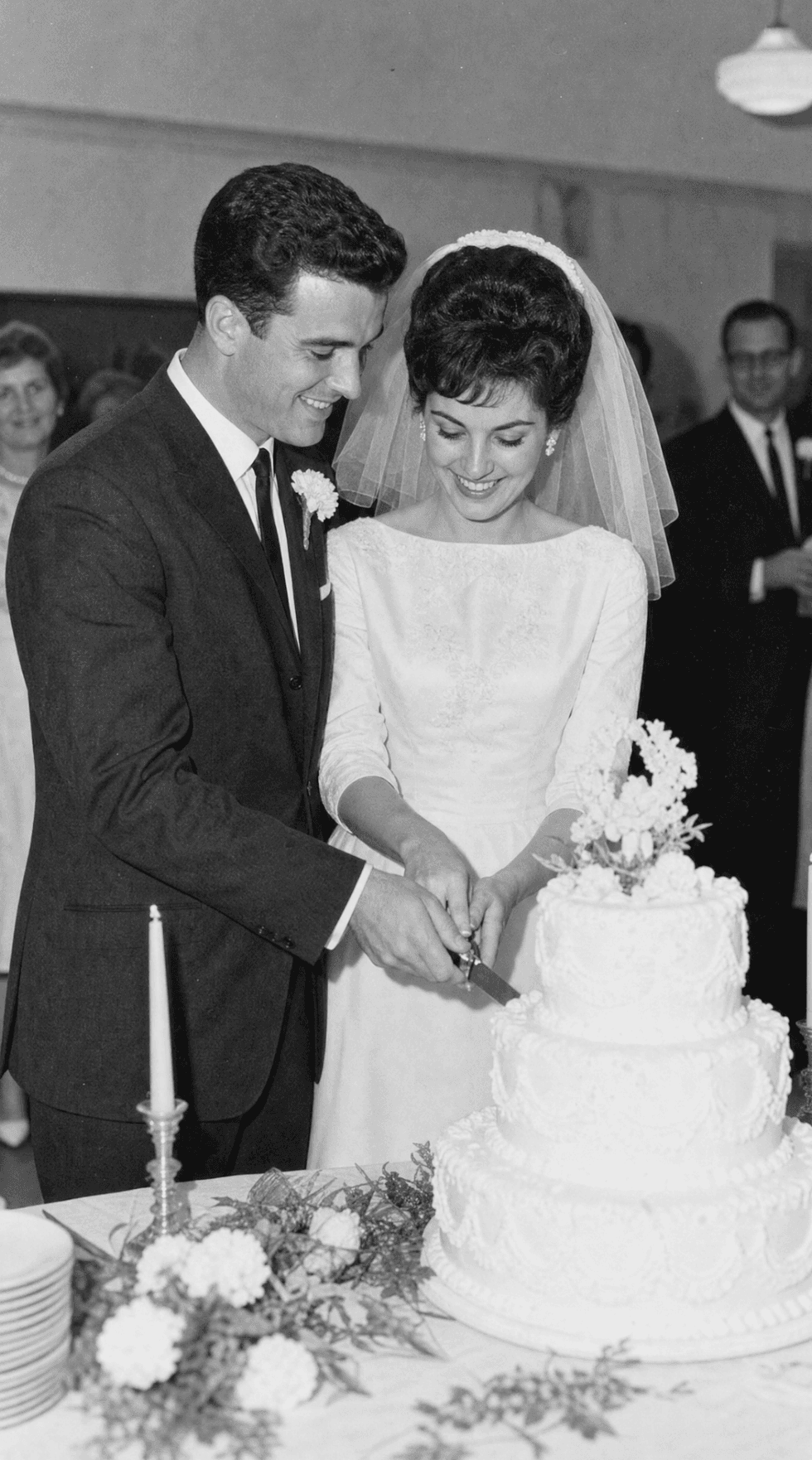 Still photoStill photoStill photo
 Still photo
Restore one photo. Or your whole family's history.
Most restoration tools give you back one photo and send you on your way. PhotoHeirloom lets you restore as many as you need and keep them organized in a private album your whole family can enjoy — not just a single downloaded file.
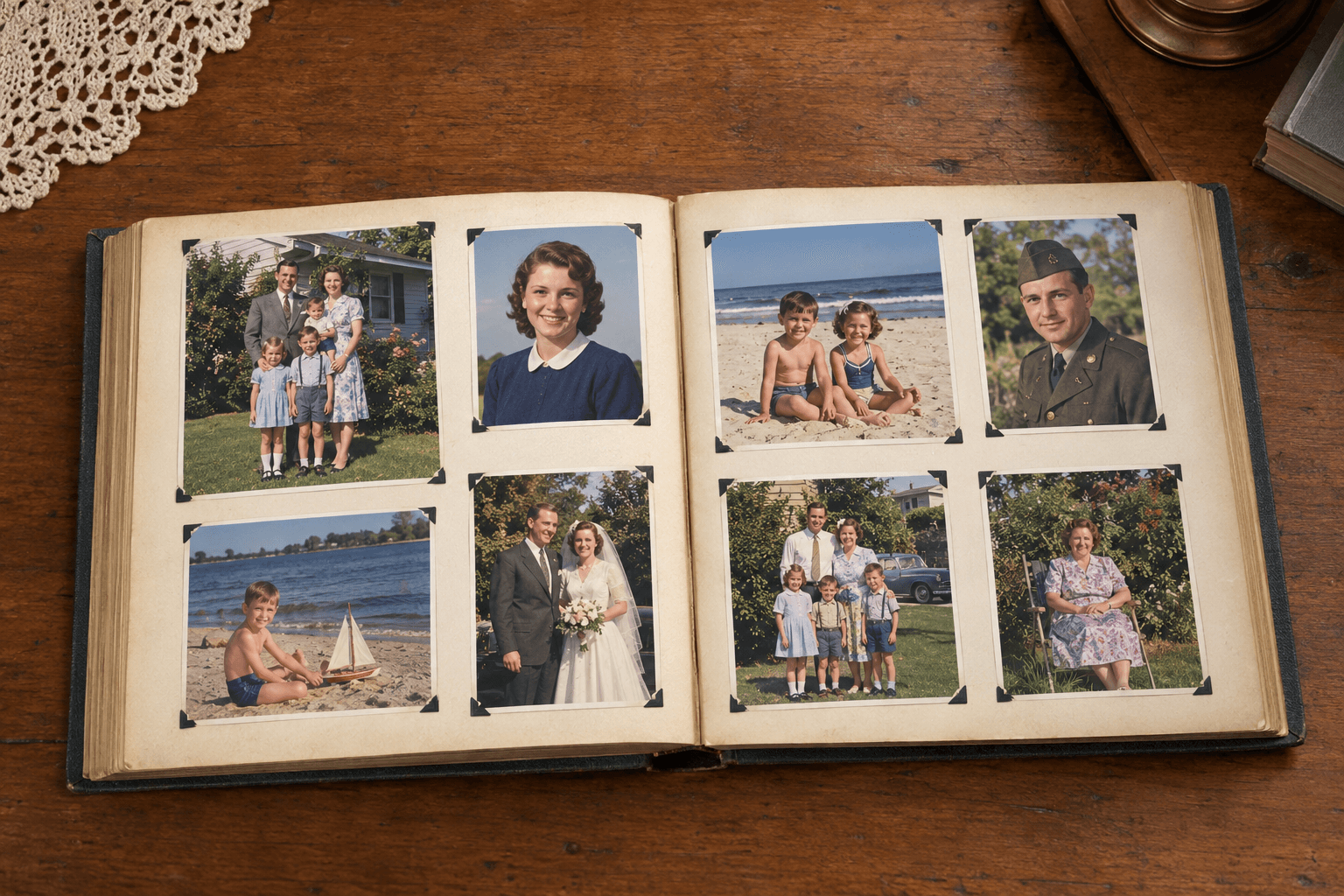
“I found a box of my grandfather's photos from the 1950s. I restored all of them in an afternoon and now my whole family can see them. It's incredible.”
Frequently asked questions
Is it really free?+
Yes — every account starts with 3 free restorations and 2GB of storage, no credit card required. Paid plans unlock more restorations and storage if you need them.
Will the result look natural, or too “AI”?+
We aim for a faithful, natural-looking restoration — true to the original photo, not an artificial or over-processed look. When we add color to a black-and-white photo, we use natural tones that are true to the time period. The goal is a photo that looks like it was always in color, not one that looks retouched.
Is my photo private?+
Yes. Your photos are never shared, sold, or used to train other AI models. Albums are private by default and only visible to people you invite.
Can I keep my photos stored for free?+
Yes. Every free account includes 2GB of storage, and your restored photos stay in your album for as long as you keep the account — no expiry, no credit card. If you outgrow 2GB, paid plans add more space.
Can I share my album with family members?+
Yes. Albums are private by default, and you can invite family with a simple link that works well in WhatsApp. They can view the photos you share — and contribute their own if you let them.
Can I also bring a photo to life as a short video?+
Yes — PhotoHeirloom can animate a restored photo into a short, gentle video clip.
Ready to see your photos restored?
No credit card required · Your photos stay private