Turn a Shoebox of Photos Into a Family Album
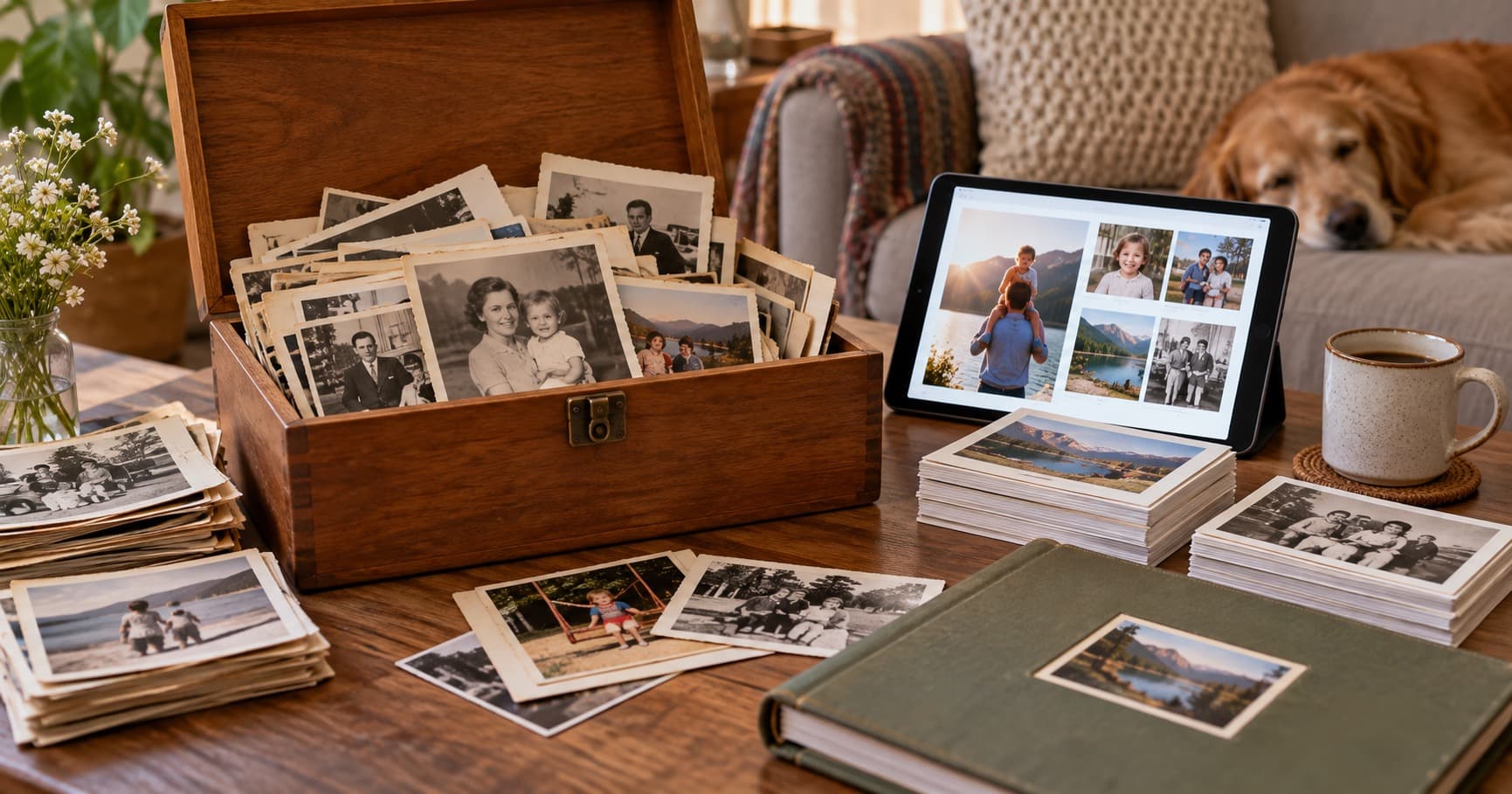
There is usually a person in every family who has the shoebox. Sometimes it is a drawer, a suitcase, or a stack of albums that has been “getting to later” for years. The project becomes manageable when you stop treating it like one enormous archive.
Start Smaller Than You Think You Need To
Choose ten to twenty photos. Sort them by decade, event, or condition. Do not begin by trying to identify every face. A simple label such as “grandparents, summer trip” is enough for the first pass.
Starting small gives you a repeatable process. It also creates a finished set that you can show relatives, which often brings back names and stories for the next batch.
Restore As You Go
Digitizing and restoring do not need to be separate projects. When you photograph or scan a print, mark whether it needs color correction, scratch repair, or a closer look. Keep the untouched copy, then restore a duplicate.
PhotoHeirloom can help with restoration and colorization while you organize the results in a private album. That means you do not need one folder for scans, another for edited files, and a third for the images you want to share.
Make It Something the Whole Family Can See
A folder on one person's laptop is difficult for everyone else to reach. A private shared album gives relatives a simple way to view the collection. They can also add context: a name, a place, or the story behind a holiday snapshot.
Share a link with the family group chat and ask one question at a time. “Who is standing on the left?” is easier to answer than “Can anyone identify these fifty photos?”
A Realistic Timeline
A small batch can take an hour or two, including setup and notes. A full shoebox may take an afternoon or several short sessions. You do not need to finish it in one weekend.
Set a stopping point. When the first batch is safe and organized, stop for the day. The goal is a system you can repeat, not an exhausting sprint that makes you avoid the box again.
Keep the Physical Prints Safe
Store originals in acid-free sleeves or boxes away from direct light, heat, and humidity. Keep notes with the digital files, not taped to the photos. Back up the digital collection in more than one place.
One photo today is progress. Ten photos this week is a family archive beginning to take shape.
Start a free PhotoHeirloom album and restore your first photo.