PhotoHeirloom vs. Remini: Full Comparison
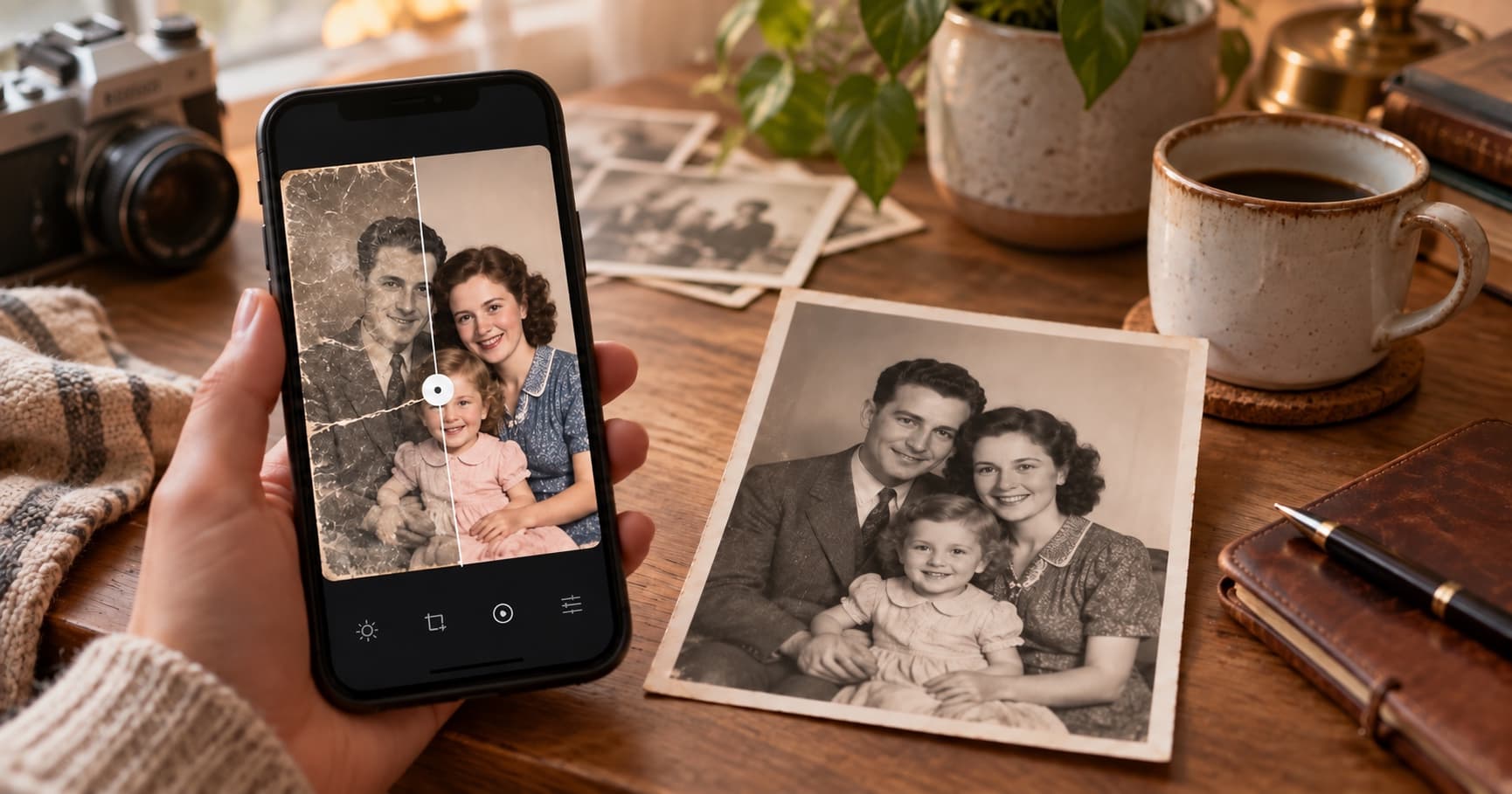
Both PhotoHeirloom and Remini can improve an old or blurry photo with AI. The real difference is what happens after the edit: are you making one picture look better, or are you building a shared home for a family collection?
What Remini Does Well
Remini is known for fast face enhancement and a mobile-first experience. It is a reasonable fit when you want to improve one portrait while you are on the go, and its broad recognition makes it easy for friends to understand what you used.
Its strength is the quick visual result. If your goal is a single selfie, portrait, or social post, that focused workflow may be exactly what you need.
Where PhotoHeirloom Is Different
PhotoHeirloom is built around old family photos rather than one-off edits. You can restore and colorize a group of images, keep the originals beside the results, and organize the collection in a private album that relatives can view.
That distinction matters when the project is a box of photos, not one file. The album becomes a place for the family archive instead of another download lost in a phone folder.
Pricing Comparison
Remini offers free access and paid subscriptions or in-app purchases, with prices that vary by platform, country, and promotion. Check Remini's current offer in the app or on its official site before subscribing.
PhotoHeirloom has a free tier with three restorations and 2 GB of storage. Paid plans currently start at $7.99 per month, with Family at $16.99 and Legacy at $29.99. Annual plans save two months, and credit packs are also available.
Prices can change. Treat this as a guide to the product models, not a permanent price list.
Which One Should You Use?
Choose Remini if you want a quick, mobile-first enhancement for a single photo. Choose PhotoHeirloom if you are restoring multiple family photos and want an organized, private place to keep and share them.
You can also try both. Use the same test photo and compare the result, the workflow, and where the finished image lives after you close the app.
Try PhotoHeirloom's free tier and see if it fits your family archive.