Free AI Photo Restoration Tools Compared
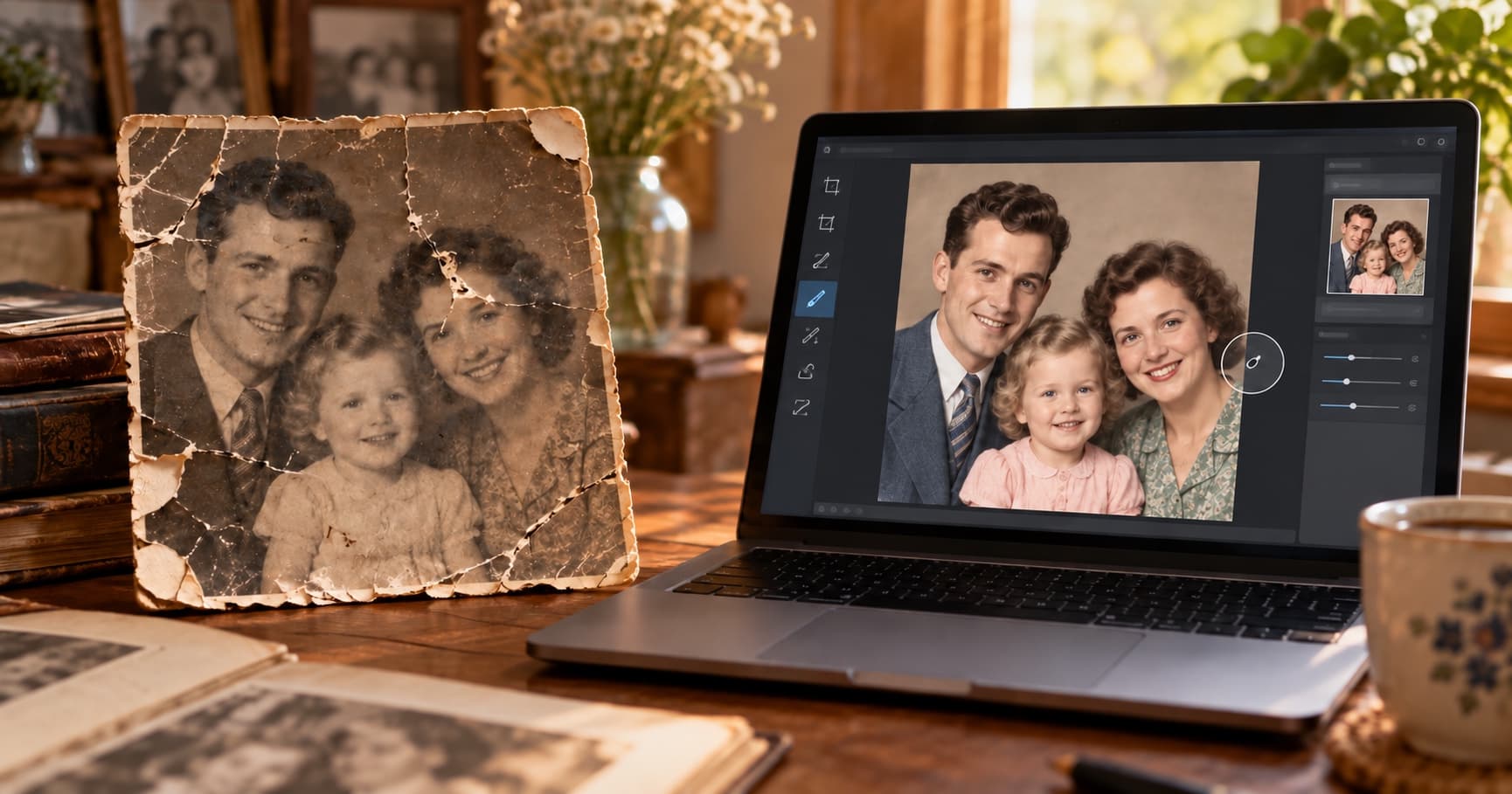
“Free photo restoration” can mean different things. One tool may give you a few daily generations, another may offer a limited number of automatic restorations, and a third may give you precise manual controls. The best choice depends on how much control you want and what you plan to do with the finished photos.
Adobe Firefly's Restoration Tool
Adobe Firefly can repair cracks, tears, stains, fading, and missing areas. Its workflow gives you manual selection controls: upload a photo, brush over the damaged area, and use Generative Remove or Generative Fill to create a repair. Adobe also offers prompt-based editing and connections to Photoshop and Adobe Express.
Firefly is a strong option when you want to guide a single edit yourself. Adobe says its free plan includes daily generations, while paid plans provide higher volume. Limits and features can change, so check Adobe's current offer before you start a large batch.
PhotoHeirloom's Free Tier
PhotoHeirloom is designed for a simpler, automatic workflow. Upload a family photo, start the restoration, and review the result without painting over every damaged area or writing a prompt for each repair.
The free tier includes three restorations and 2 GB of storage. PhotoHeirloom also supports colorization and private family albums, so the result can stay organized with the rest of the collection instead of becoming one more file in a download folder.
Other Low-Cost Options
Palette.fm is useful when colorization is the main task. Traditional editing tools can also work well when you want complete manual control and already know how to use them. These options solve different problems, so compare the workflow rather than choosing only by the word “free.”
Which One Should You Use?
Choose Adobe Firefly if you want precise, manual control over one photo and feel comfortable with brushes, prompts, and variations. Choose PhotoHeirloom if you want one-click automatic restoration plus an organized, shareable family album.
For either tool, keep the untouched scan. AI can improve a photo, but it should not become the only copy of the original.
Try PhotoHeirloom's free tier with one old family photo.