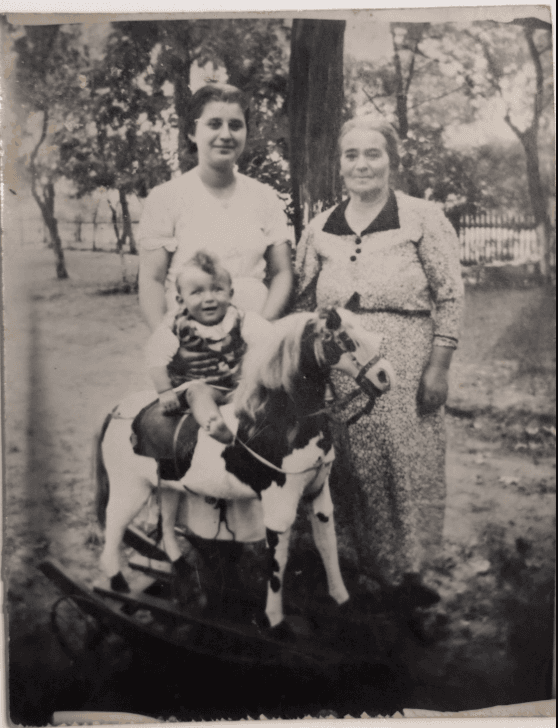
Already Scanned Your Photos?
Now Enhance Them with AI

Don't just scan—restore and enhance! Upload your scanned photos and our AI automatically fixes damage, improves quality, and brings them back to life.

3 free restorations • No credit card required

Scanning Isn't Enough

😞

Damage Gets Scanned Too

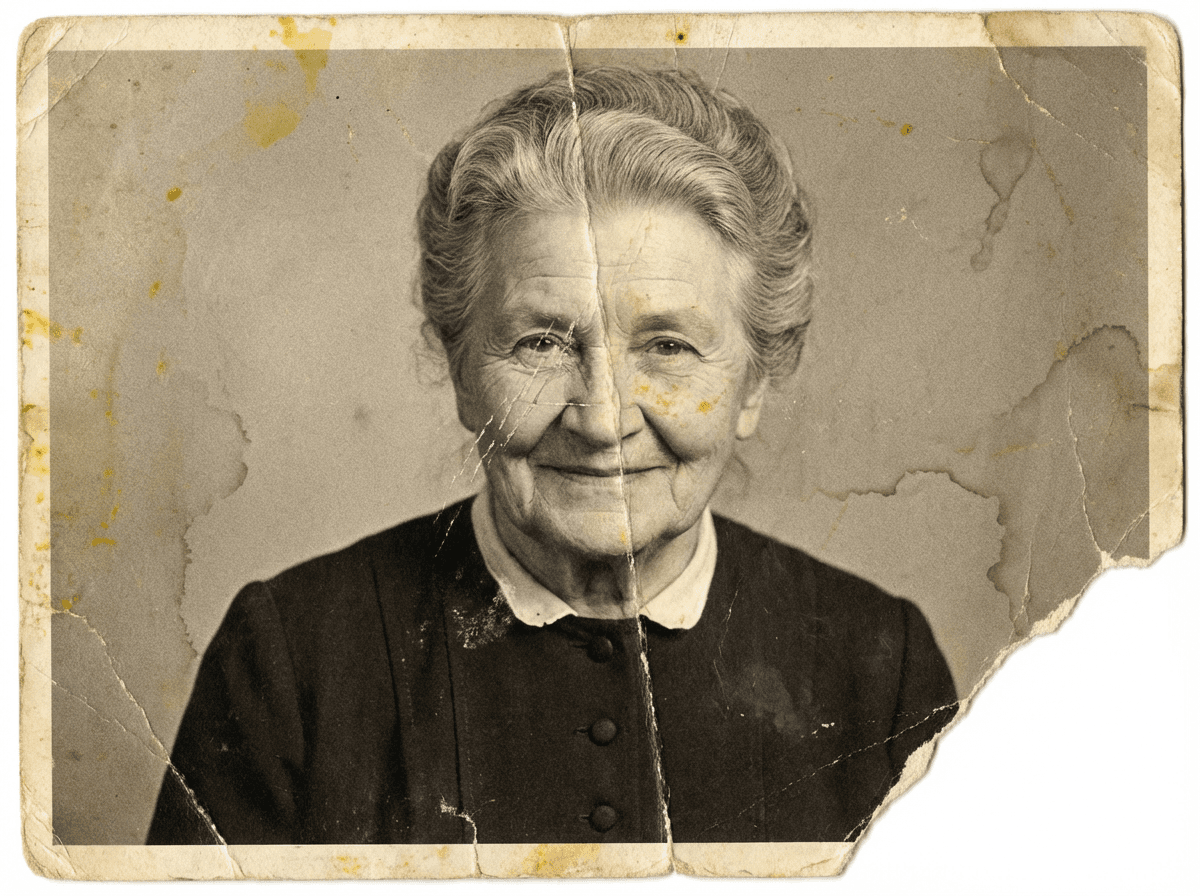
Scratches, tears, and stains from the original photo show up in your scans. You've digitized the damage, not fixed it.

📉

Poor Quality Remains

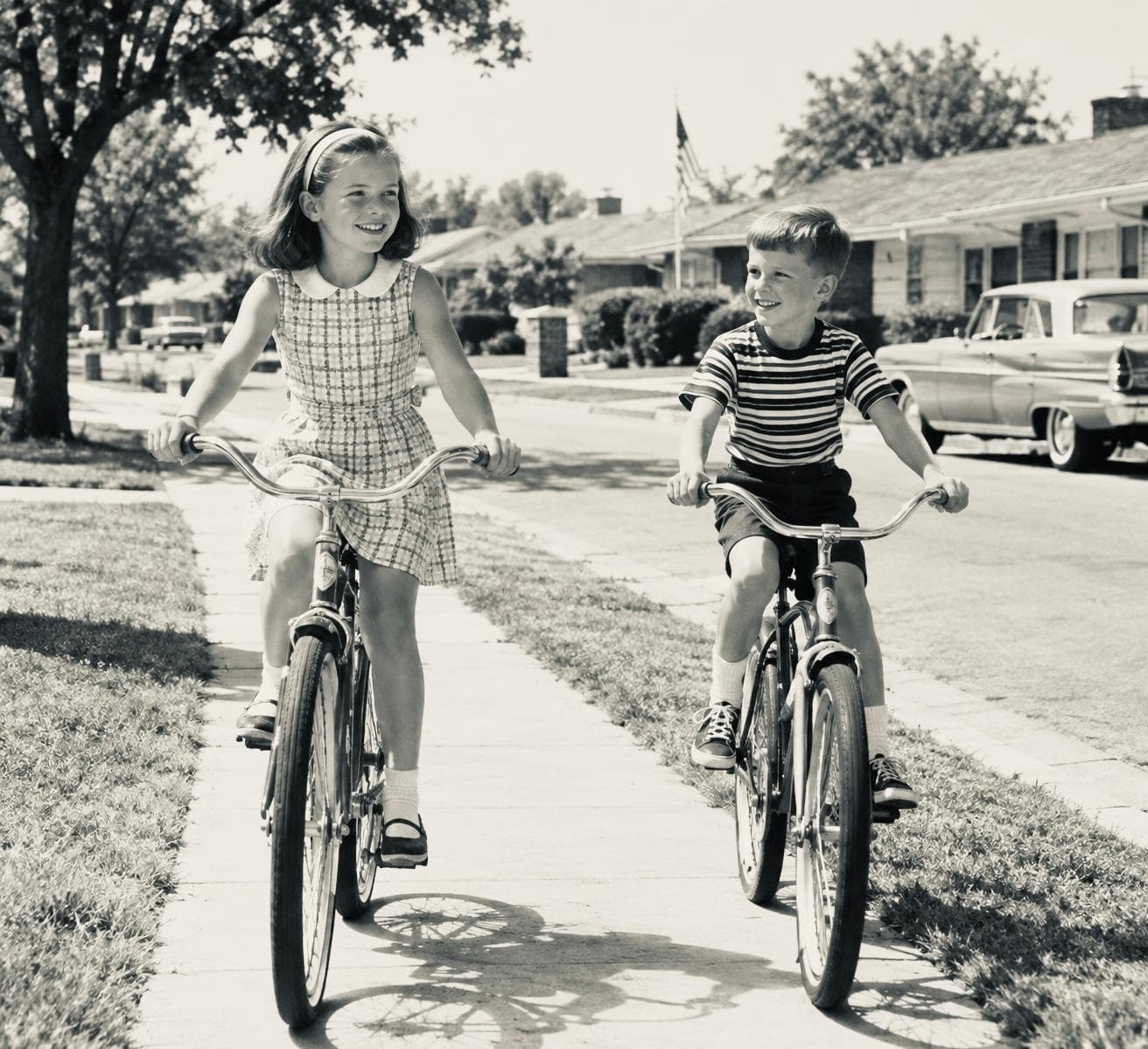
Faded colors, low resolution, and blurriness are preserved in the scan. Your digital copy looks just as old as the original.

🖨️

Not Print-Ready

Scanned photos often lack the resolution and quality needed for printing, framing, or professional use.

Scan + AI Enhancement = Perfect Results

Just Scanning

  • Preserves scratches and tears
  • Keeps fading and discoloration
  • Low resolution copy
  • Still blurry if original was blurry
  • Not suitable for printing

Scan + PhotoHeirloom

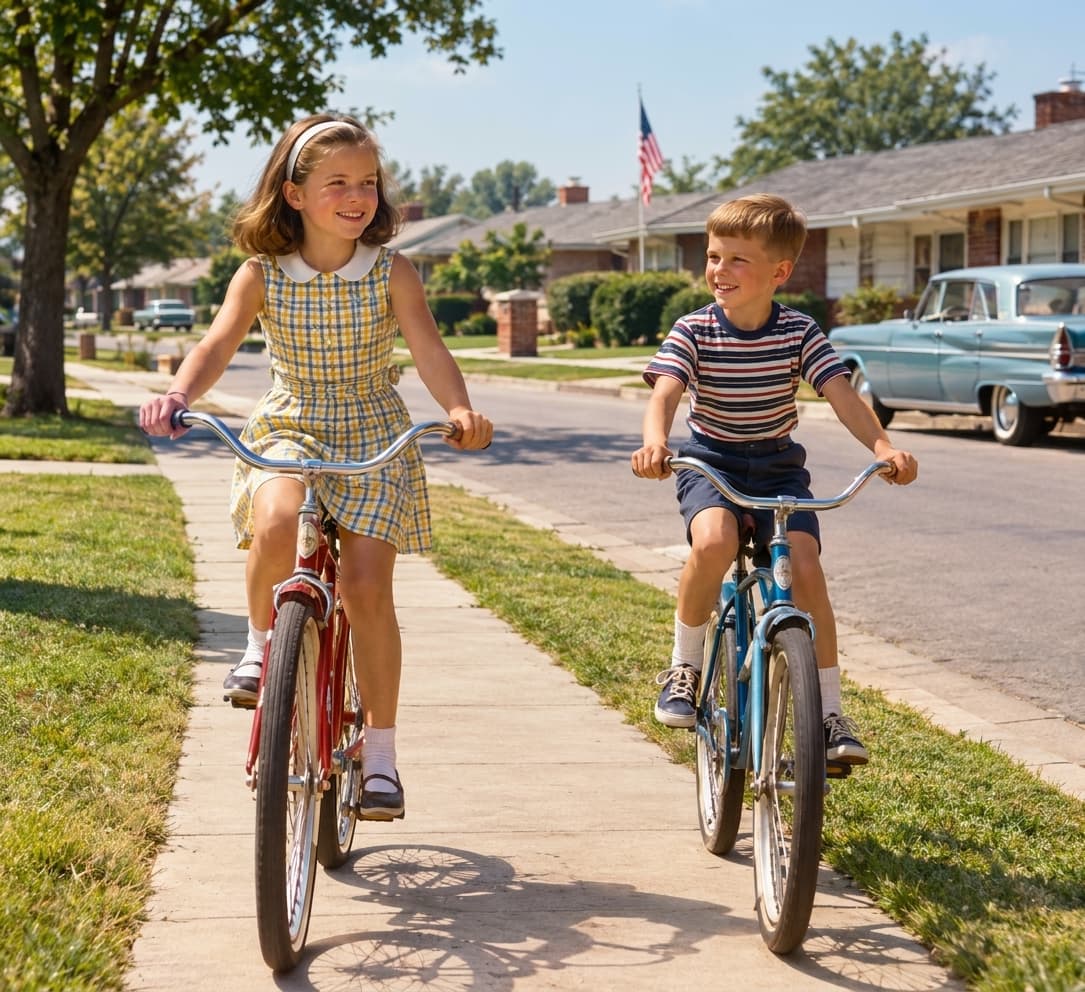
  • AI removes scratches and tears
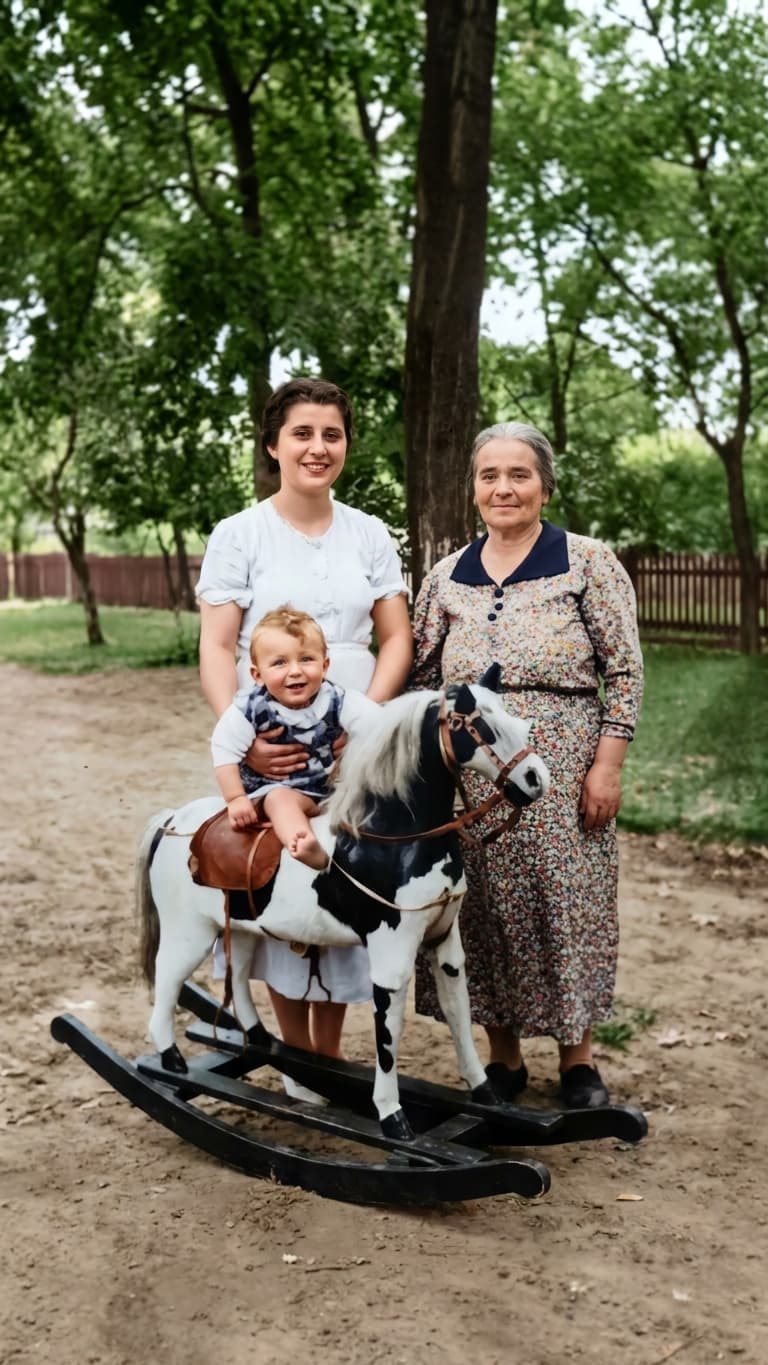
  • Restores vibrant colors
  • Upscales to HD resolution
  • Sharpens and enhances details
  • Print-ready quality

How to Enhance Scanned Photos

1

Upload Your Scanned Photo

Upload JPEG, PNG, or TIFF files from your scanner. Works with photos from scanning services, phone scans, or flatbed scanners.

2

AI Analyzes & Enhances

Our AI automatically removes damage, enhances quality, improves resolution, and restores colors. Takes 2-5 minutes per photo.

3

Download HD Results

Get high-resolution, print-ready photos. Build your family tree, create albums, and share beautiful restored memories with family.

Perfect For Scanned Photos From

🖨️

Scanning Services

ScanMyPhotos, Costco, Walgreens

📱

Phone Scans

PhotoScan, Microsoft Lens, CamScanner

🖥️

Flatbed Scanners

Epson, Canon, HP scanners

📷

Photo Digitizing

Any digitized family photos

Frequently Asked Questions

Do I need to scan my photos first?

Yes! We enhance already-digitized photos. If you haven't scanned yet, use a scanning service, phone scanning app, or flatbed scanner first, then upload here for AI enhancement.

Can you improve low-quality scans?

Absolutely! Our AI upscales resolution, sharpens details, and improves quality. Even poor scans can be transformed into print-ready photos.

What file formats do you accept?

JPEG, PNG, WebP, GIF, and TIFF up to 10MB. Works with files from any scanner or scanning app.

Will this work for old family photos?

Yes! Perfect for scanned old family photos, vintage images, and historical photographs. Great for genealogy and family tree projects.

How much does it cost?

Start with 3 free restorations. After that, plans start at $5/month for 5 photos or $0.99 per photo for one-time enhancement.

Turn Scanned Photos Into Treasured Memories

Don't settle for damaged scans. Enhance them with AI in minutes.

Upload & Enhance Now

No credit card required • 3 free enhancements