Free AI Photo Enhancer Online
Restore old photos, fix damage, and improve quality instantly. Our AI photo enhancer transforms low-resolution, scratched, and faded images into sharp, vibrant memories — in seconds.
3 free enhancements • No credit card required
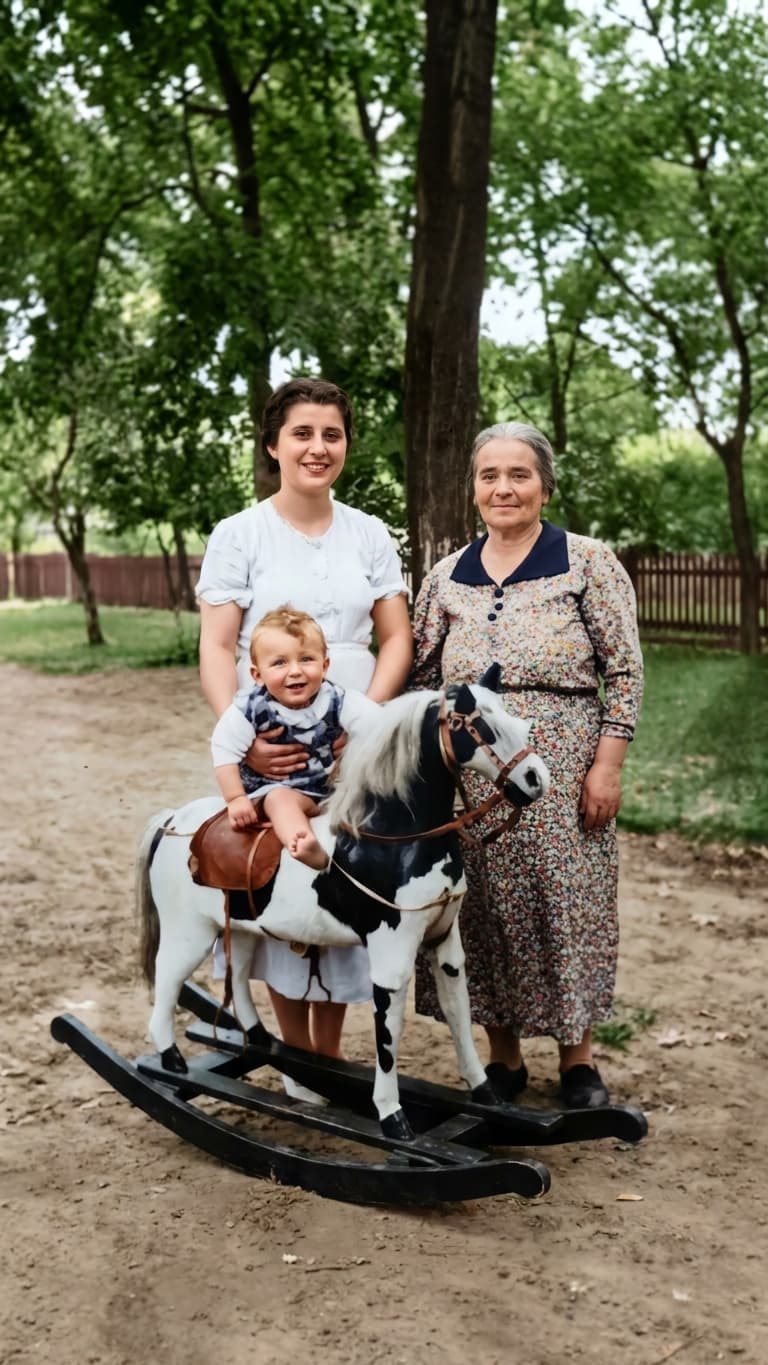
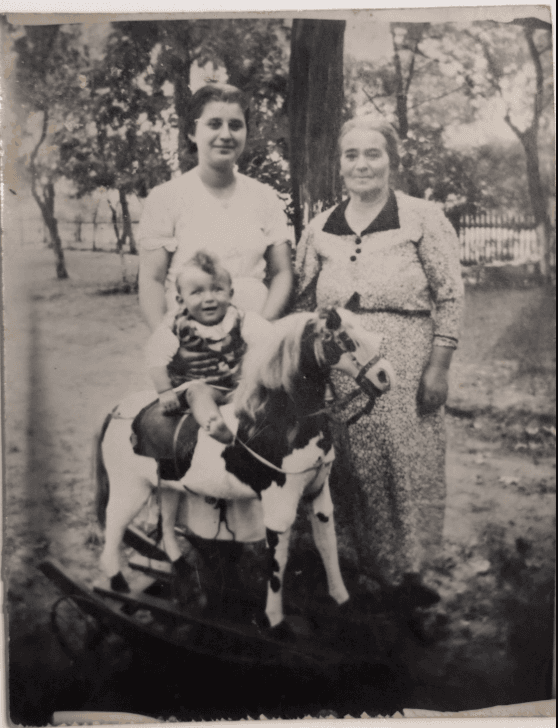
Before
After
What Can Our AI Photo Enhancer Do?
Whether you need to restore old family photos or enhance recent pictures, our AI handles it all automatically.
Upscale Resolution
Turn low-quality images into HD. Our AI photo enhancer upscales resolution while adding realistic detail — ideal for printing old family photos.
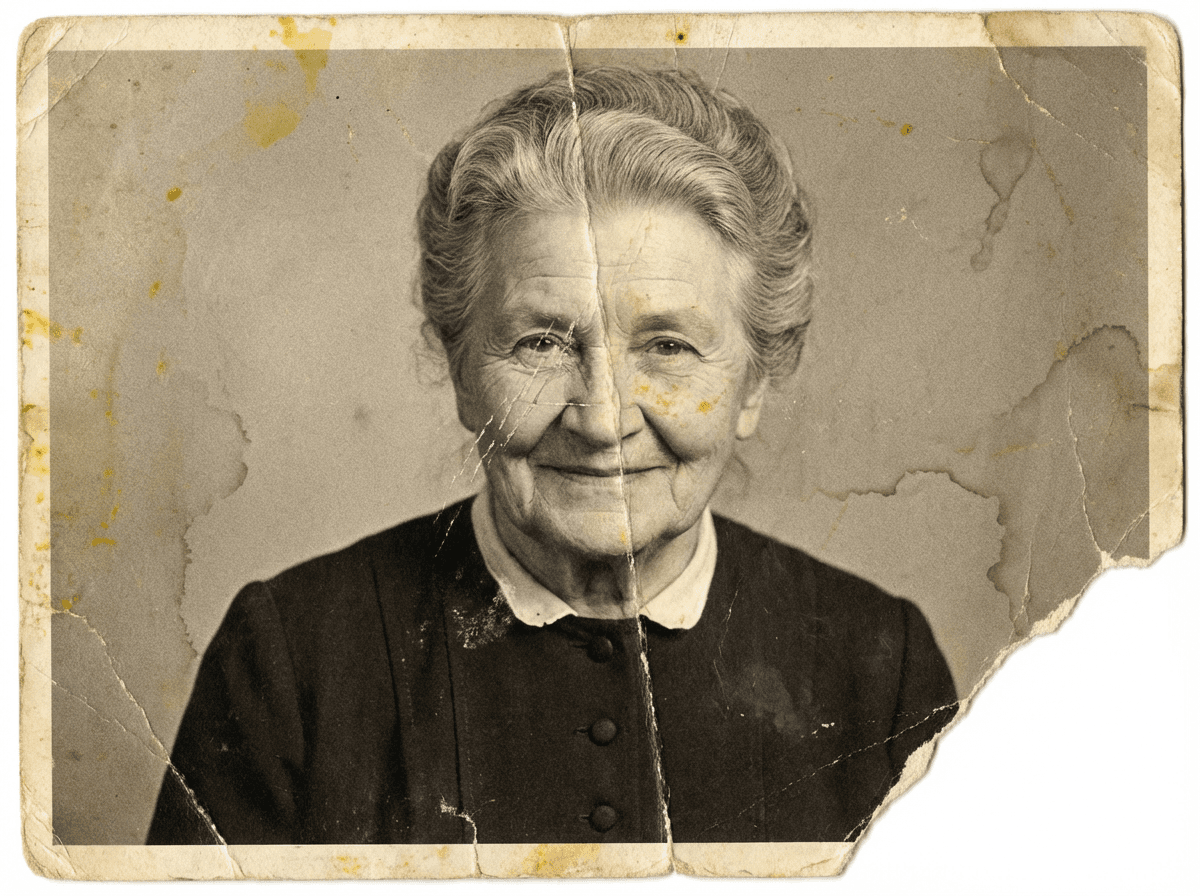
Repair Scratches & Tears
Automatically fix scratches, tears, creases, and physical damage. The AI detects and repairs imperfections across the entire photo.
Restore Faded Colors
Bring back vibrant colors to faded and washed-out photos. Colorize black & white images with realistic, natural-looking results.
Remove Stains & Water Damage
Eliminate water damage, coffee stains, yellowing, and other discoloration from old photos automatically.
Sharpen Blurry Photos
Fix blurry and out-of-focus images. The AI enhancer brings out fine details that were lost over time or from camera shake.
Improve Overall Quality
Automatic contrast, brightness, and color correction. One-click enhancement that makes every photo look its best.
How the AI Photo Enhancer Works
Enhance any photo in 3 simple steps — no technical skills needed.
Upload Your Photo
Upload any old, damaged, or low-quality photo. Supports JPEG, PNG, and WebP up to 10MB. Works with scanned prints, phone photos, and digital copies.
AI Analyzes & Enhances
Our AI photo enhancer scans your image, detects damage and quality issues, then applies intelligent enhancements automatically. Processing takes 2-5 minutes.
Download & Share with Family
Download your enhanced photo in high resolution. Then organize it in family albums, tag faces, build your family tree, and share privately with loved ones.
More Than Just an AI Photo Enhancer
Other tools just enhance your photo and stop there. PhotoHeirloom helps you preserve, organize, and share your family memories in one place.
AI Photo Enhancer
Restore old photos, fix damage, upscale resolution, and colorize — powered by AI.
Family Tree Builder
Build interactive family trees and connect photos to the people in them.
Album Organization
Create albums, tag faces with AI, and organize generations of family photos.
Private Family Sharing
Share restored photos with family securely. No social media — just your family.
Who Uses Our AI Photo Enhancer?
Genealogy Researchers
Enhance old ancestor photos for your family tree. Make century-old portraits clear, printable, and ready to share with relatives.
Families Preserving Memories
Restore your parents' and grandparents' photo collections. Digitize, enhance, and organize decades of family history.
Gift Makers
Enhance old photos for photo books, framed prints, and personalized gifts. Restored family photos make unforgettable presents.
AI Photo Enhancer FAQ
Is PhotoHeirloom AI photo enhancer free?
Yes! You get 3 free photo enhancements with no credit card required. After that, plans start at $5/month for additional enhancements.
What types of photos can the AI photo enhancer fix?
Our AI photo enhancer can restore old and damaged photos, fix scratches, tears, and creases, remove stains and water damage, upscale low-resolution images, sharpen blurry photos, and colorize black and white images.
How does AI photo enhancement work?
Upload your photo and our AI analyzes it to detect damage, quality issues, and areas for improvement. It then applies intelligent enhancements including resolution upscaling, damage repair, color correction, and sharpening. The entire process takes 2-5 minutes.
Can an AI photo enhancer really improve old family photos?
Absolutely. Our AI photo enhancer uses advanced machine learning to restore old family photos to remarkable quality. It can upscale resolution, repair physical damage, restore faded colors, and even colorize black and white photos realistically.
What photo formats does the AI enhancer support?
PhotoHeirloom supports JPEG, PNG, WebP, and GIF files up to 10MB. It works with scanned photos, phone photos, screenshots, and digital copies of old prints.
Is PhotoHeirloom better than Remini or other AI photo enhancers?
PhotoHeirloom offers more than just photo enhancement. Unlike Remini and other tools that only enhance images, PhotoHeirloom also includes family tree building, face tagging, album organization, and private family sharing — making it a complete family memory preservation platform.
Try the AI Photo Enhancer Free
Restore old family photos, fix damage, and enhance quality — all with AI. Start with 3 free enhancements today.
Enhance Photos FreeNo credit card required • Results in minutes